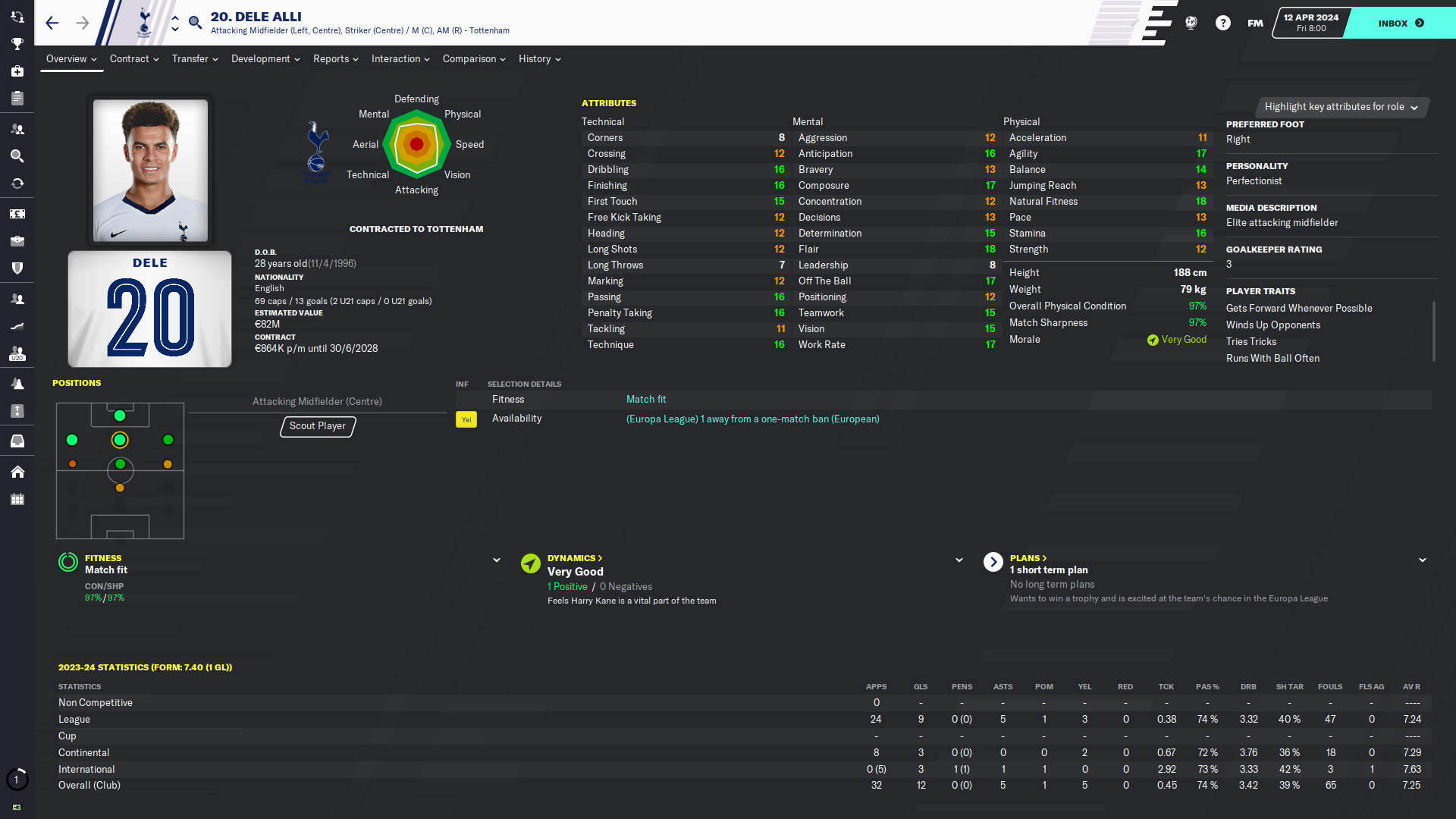
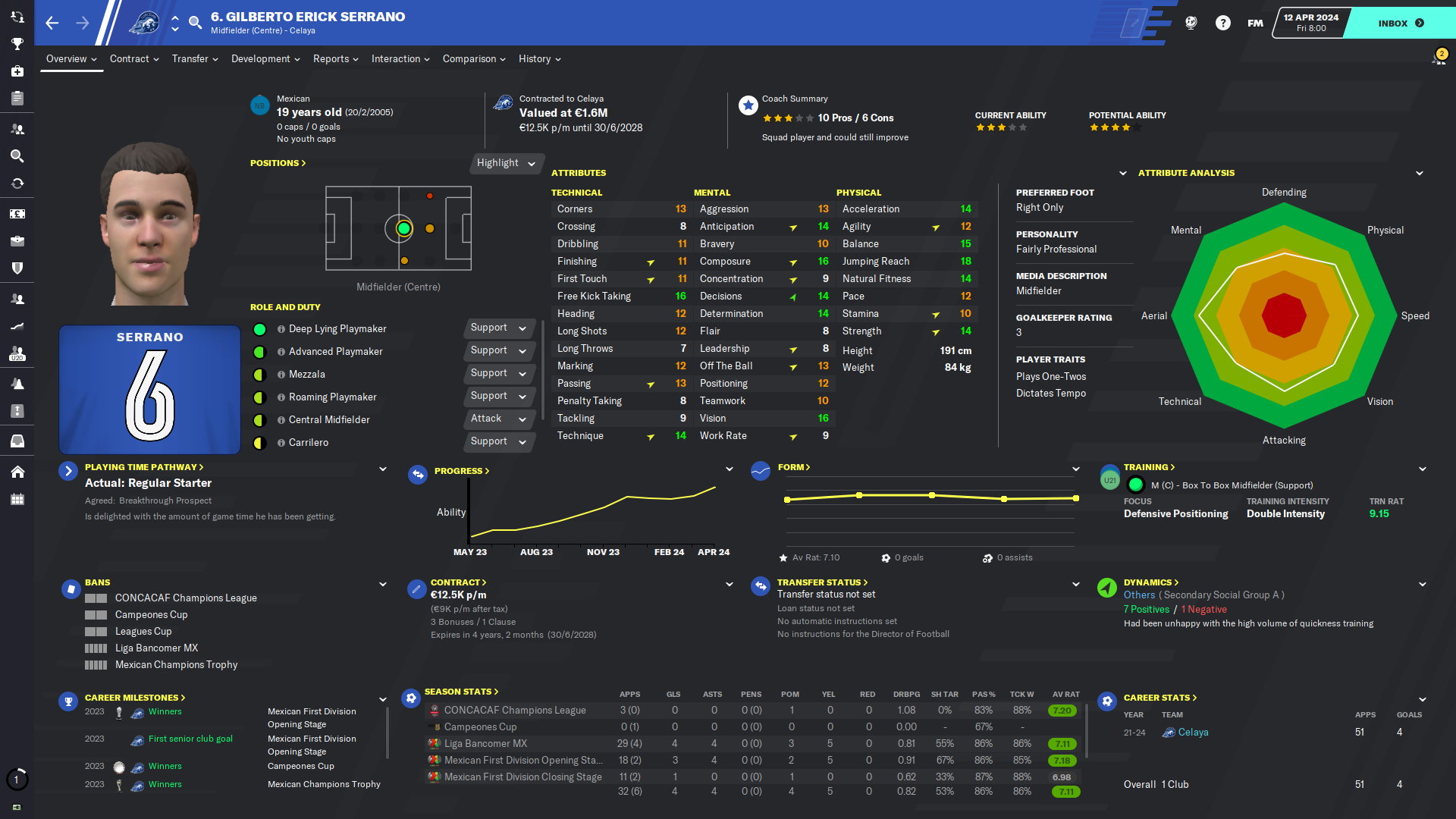
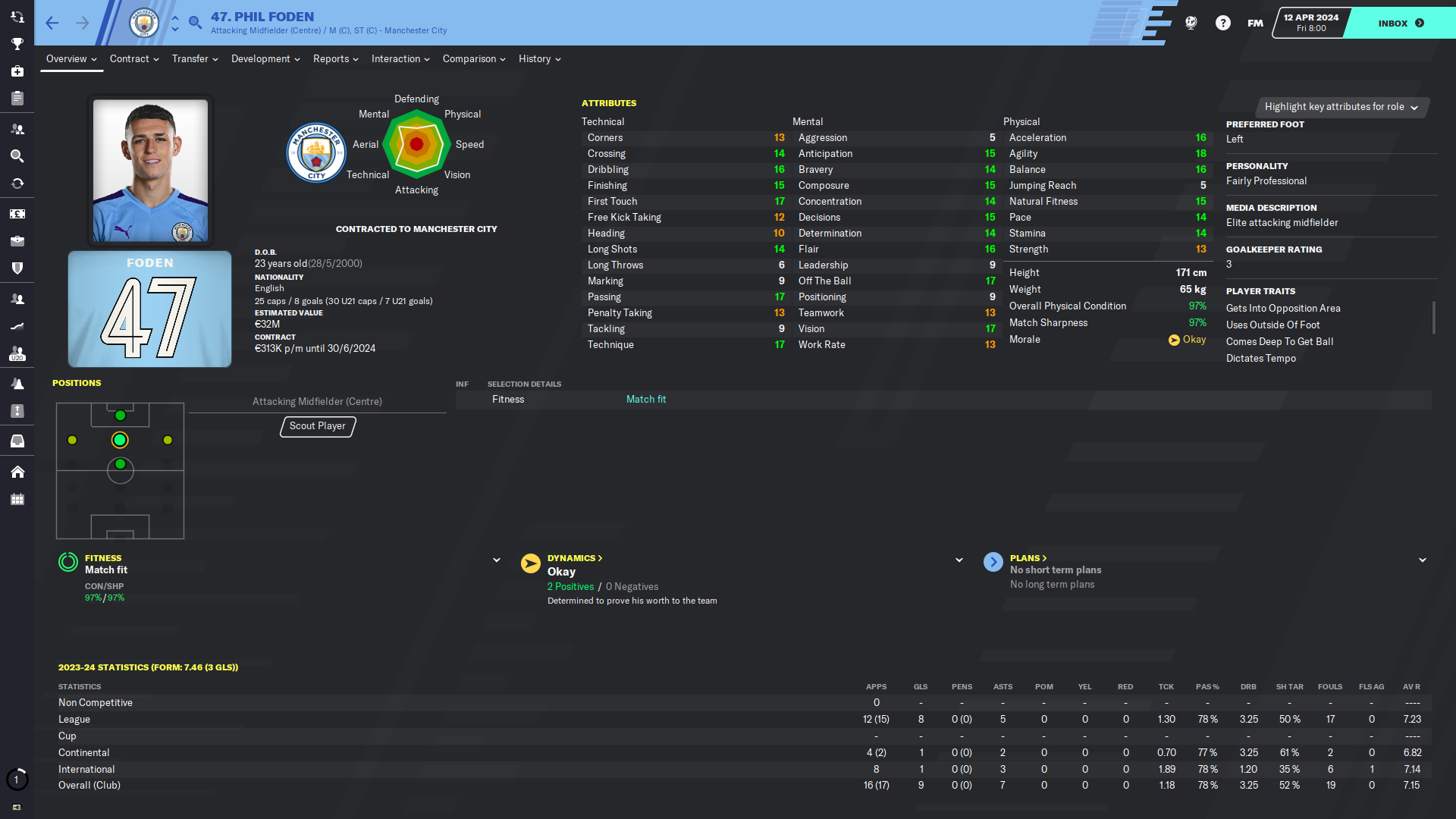
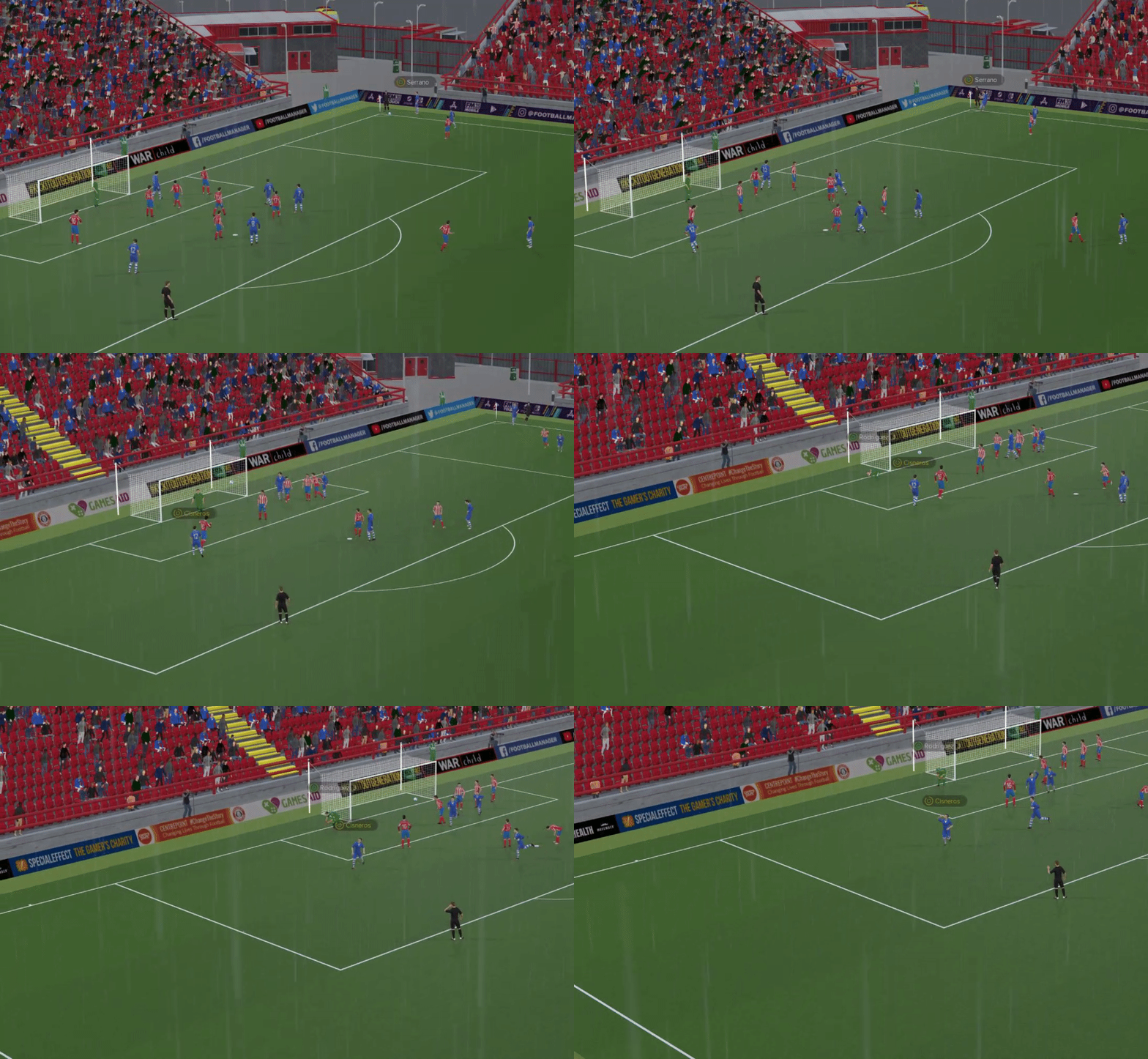
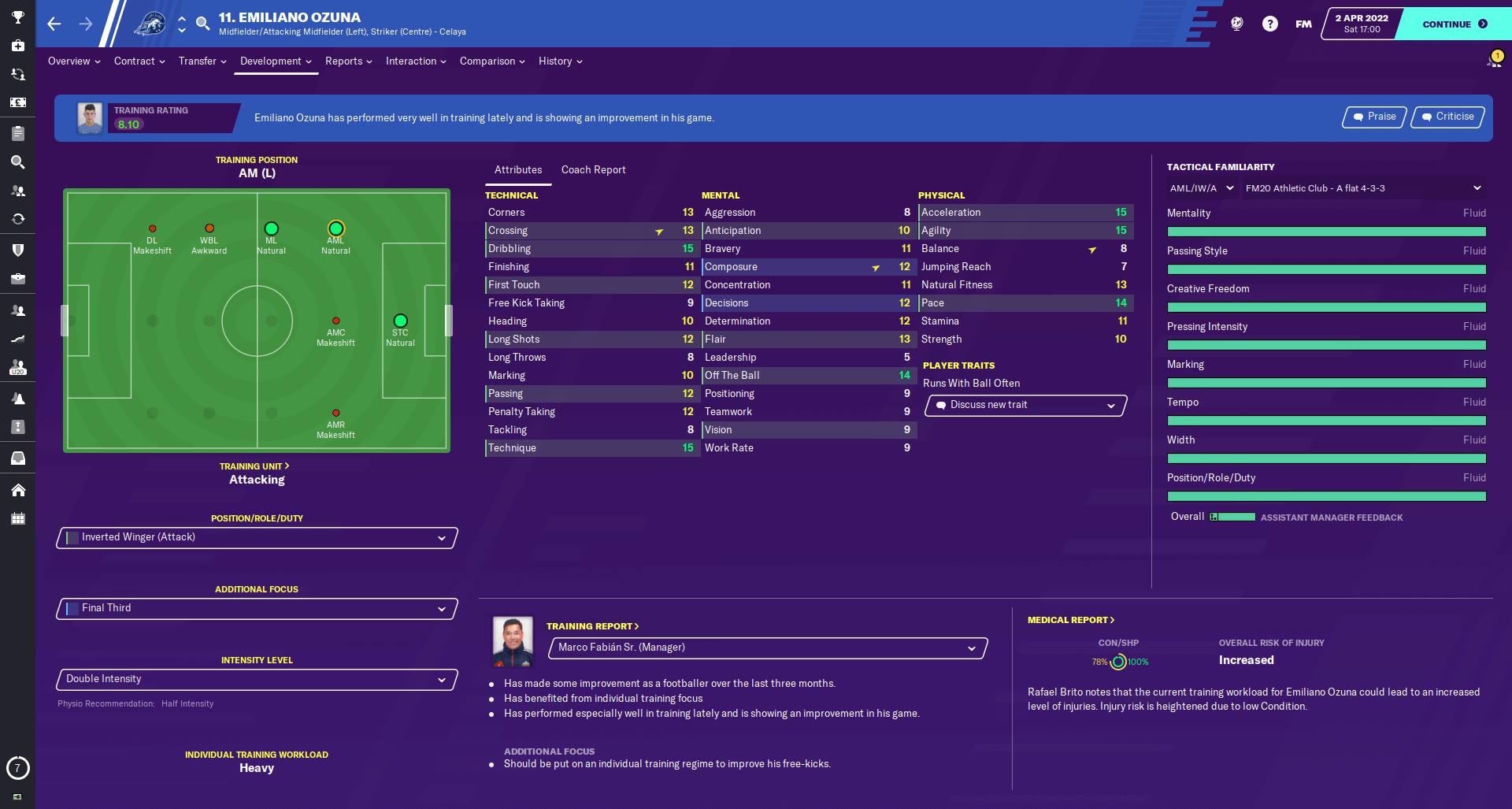
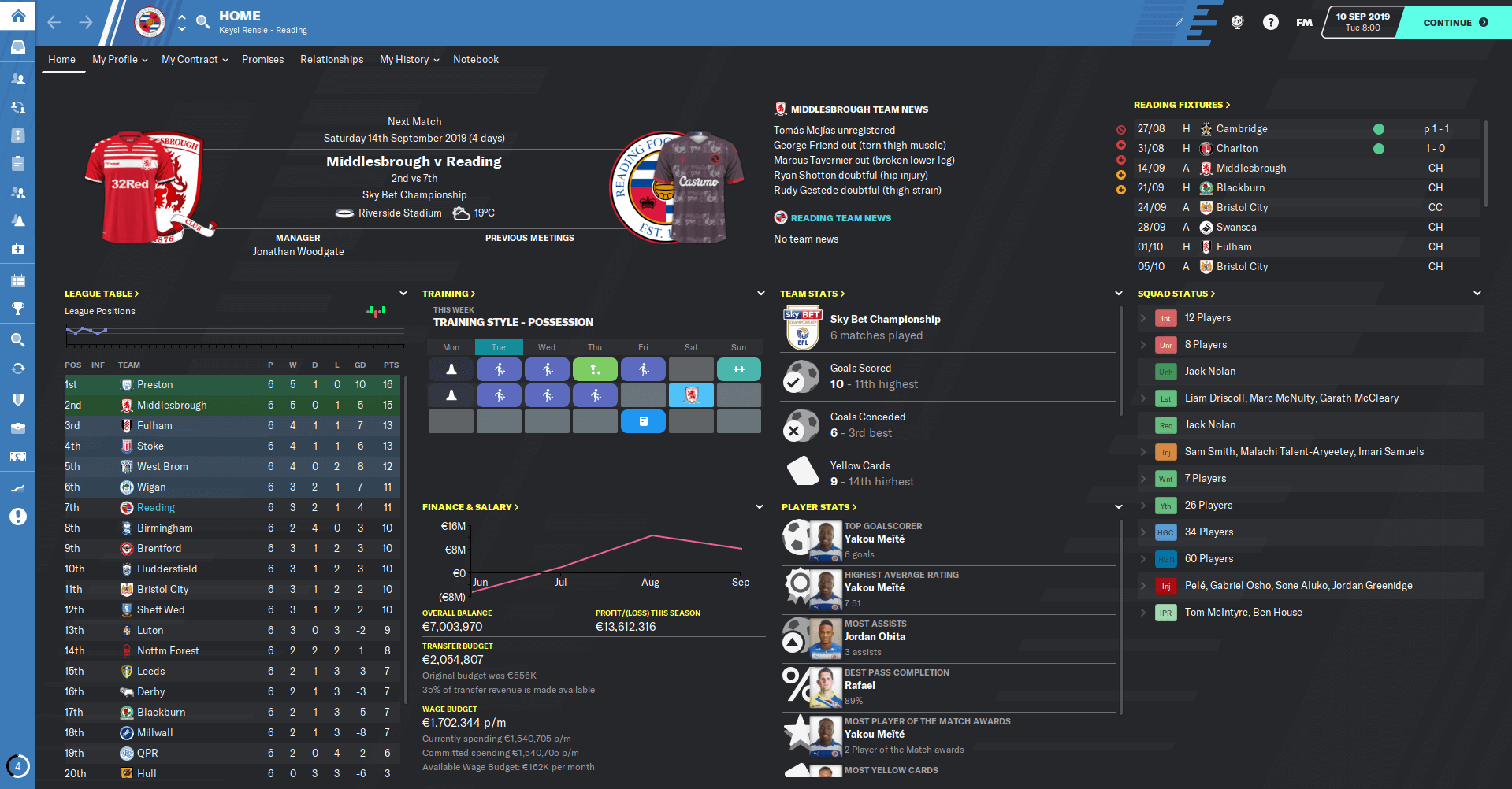
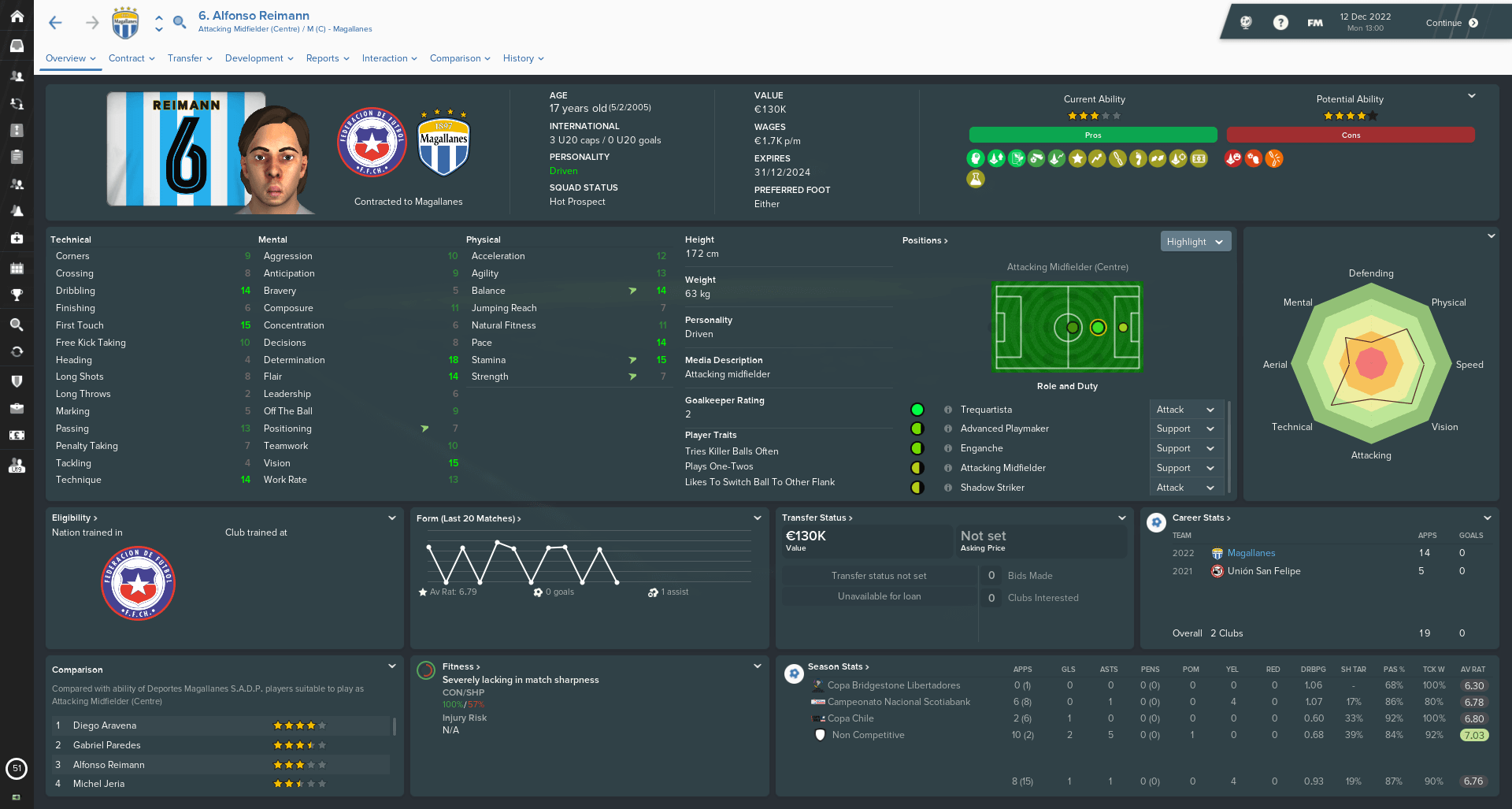
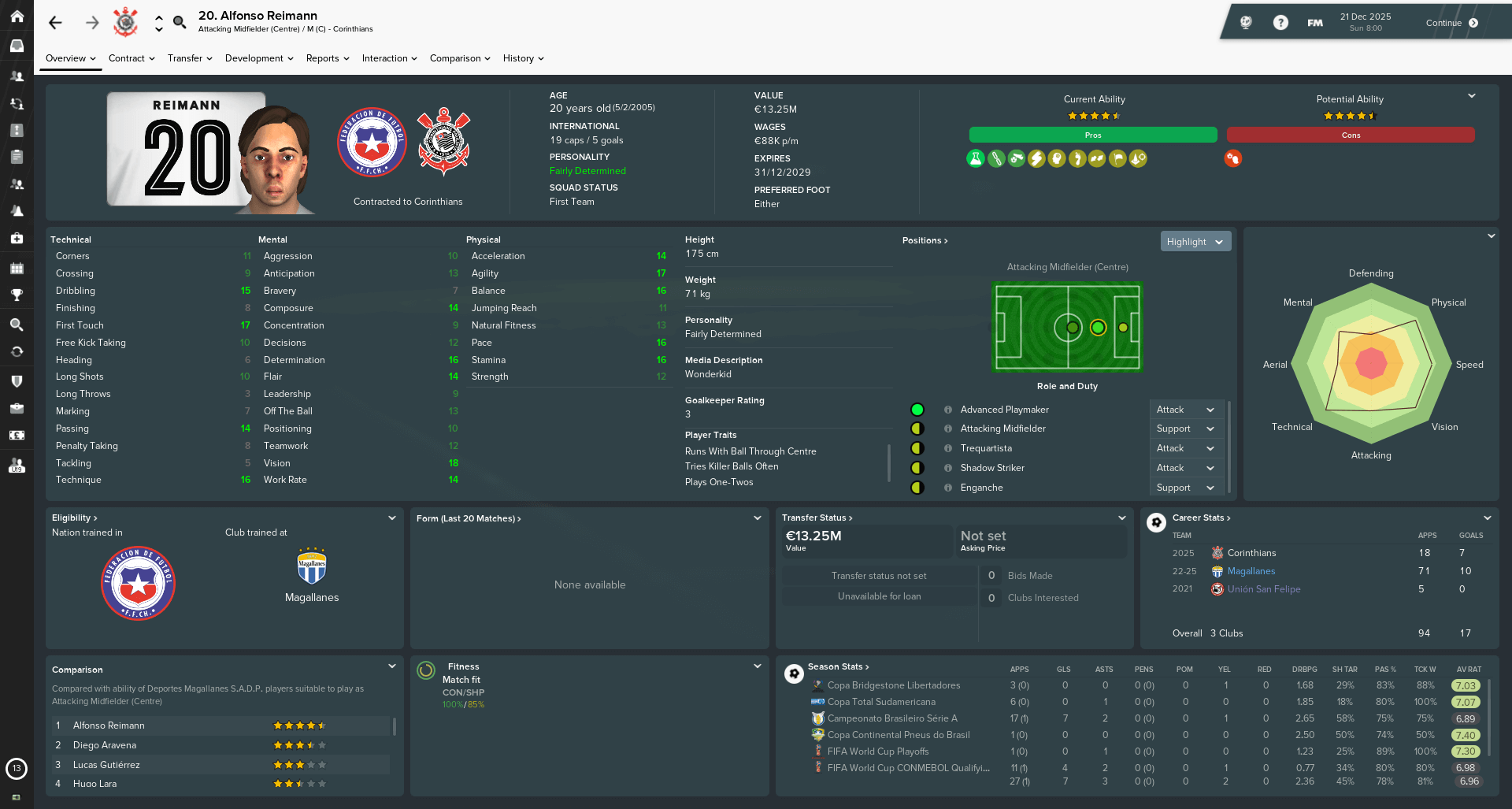
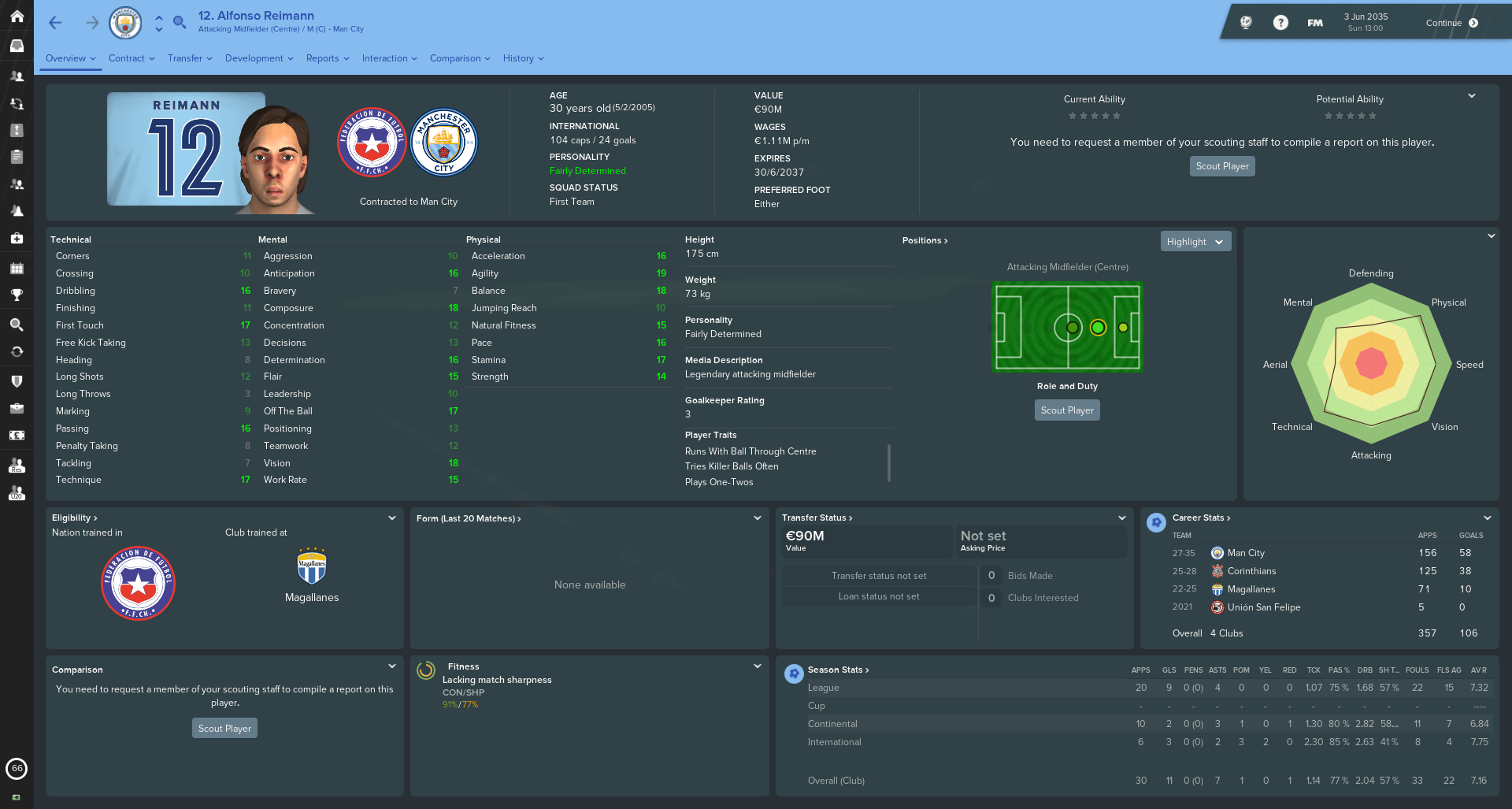
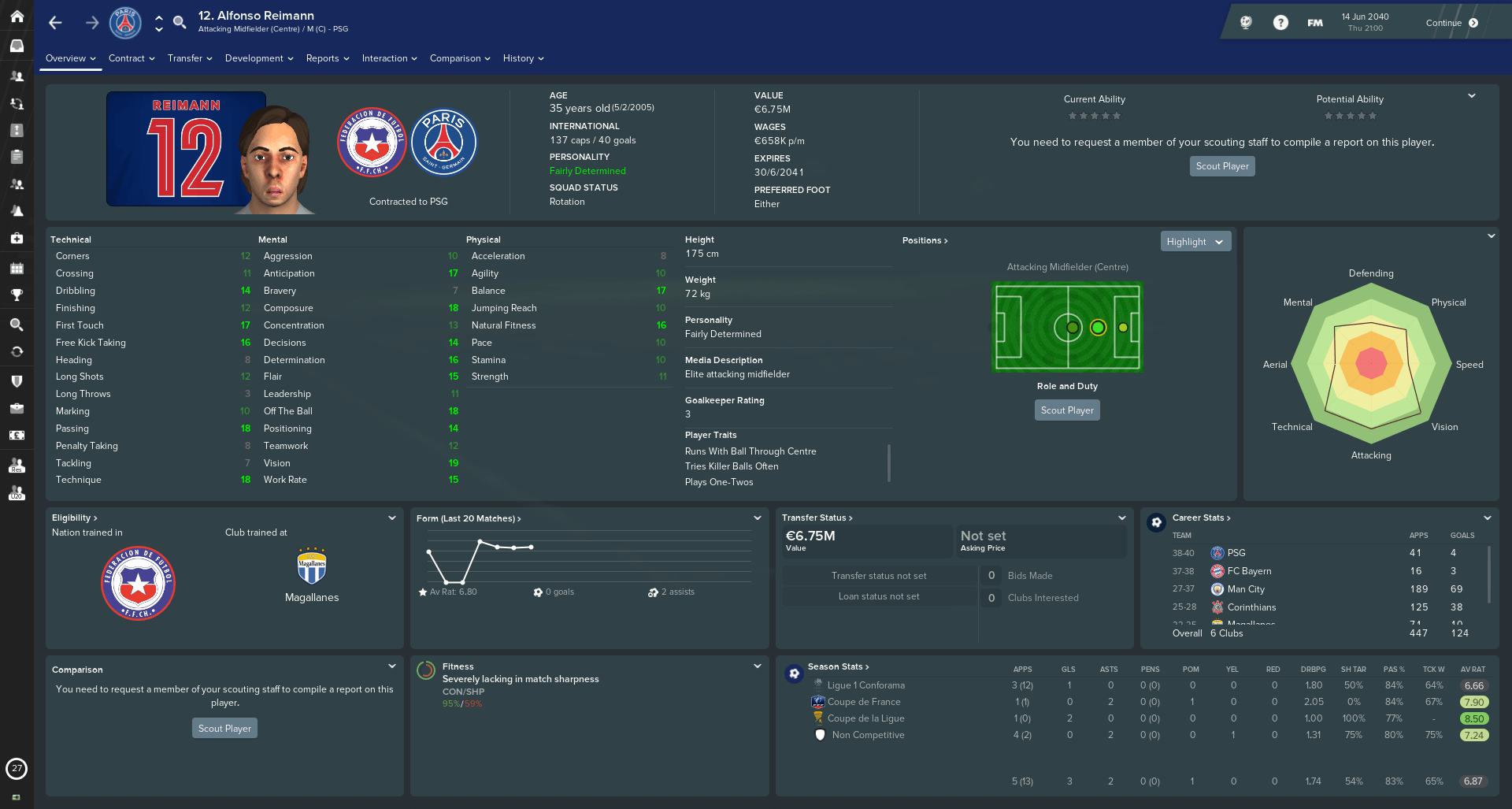
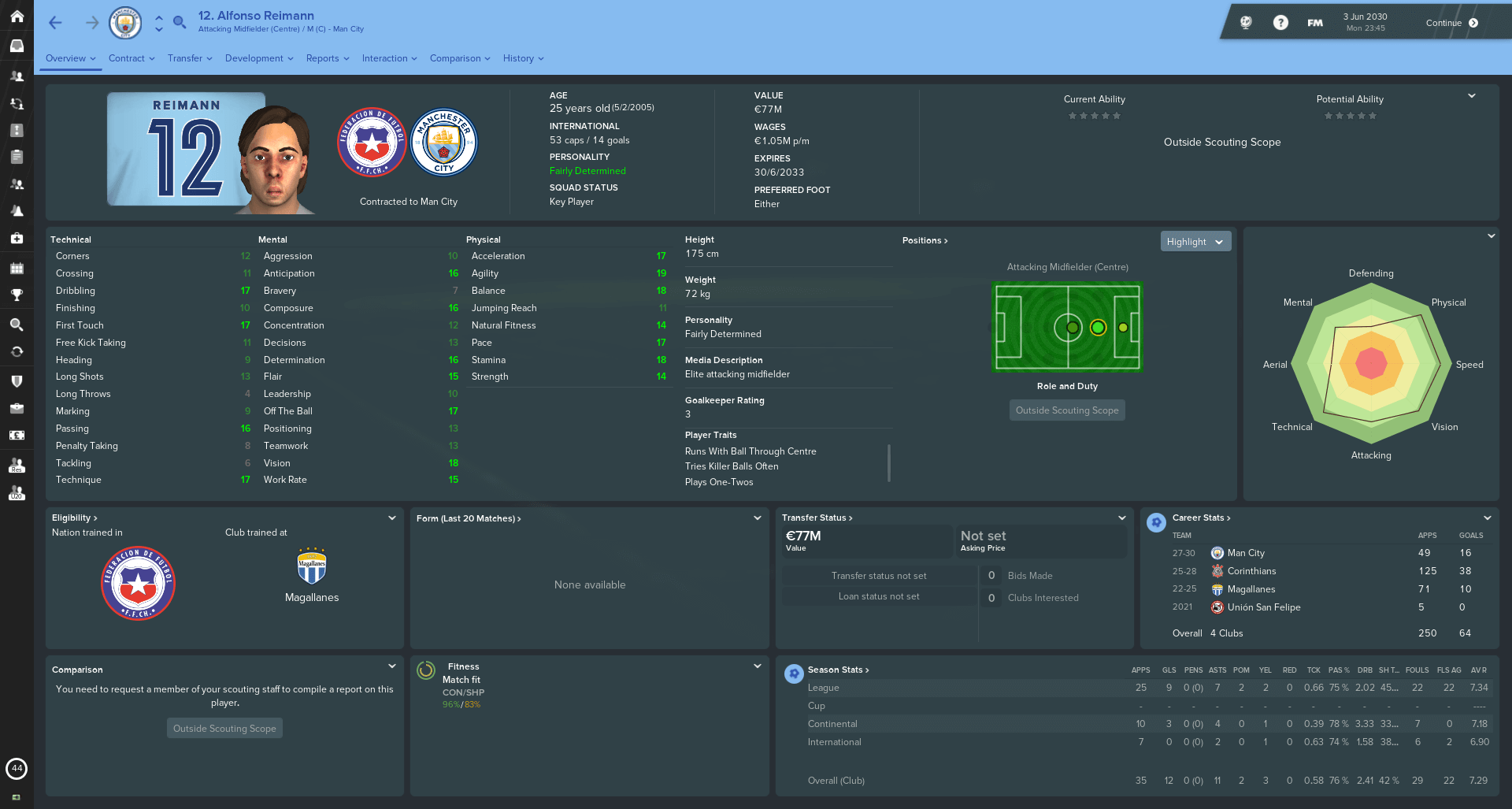
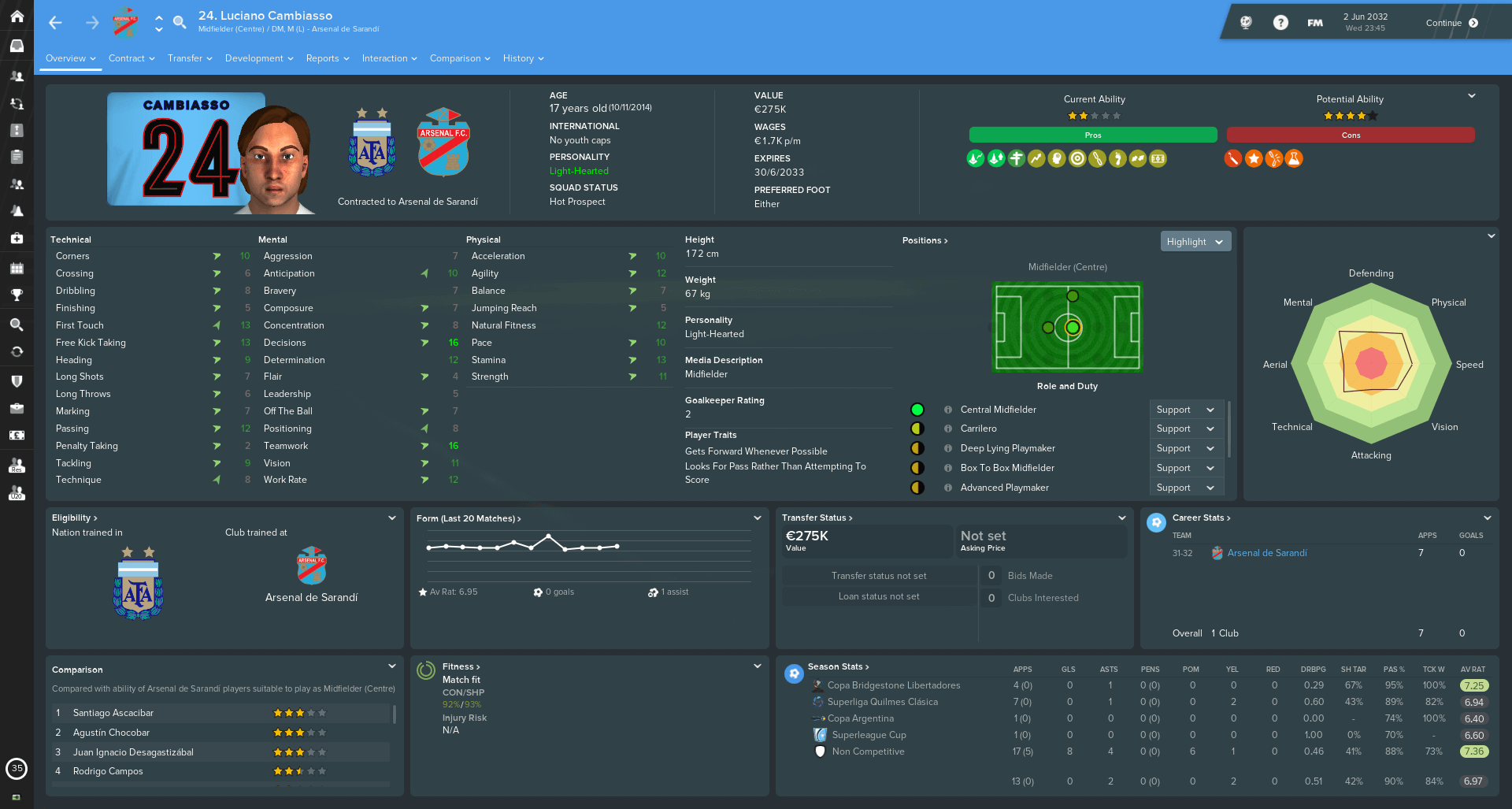
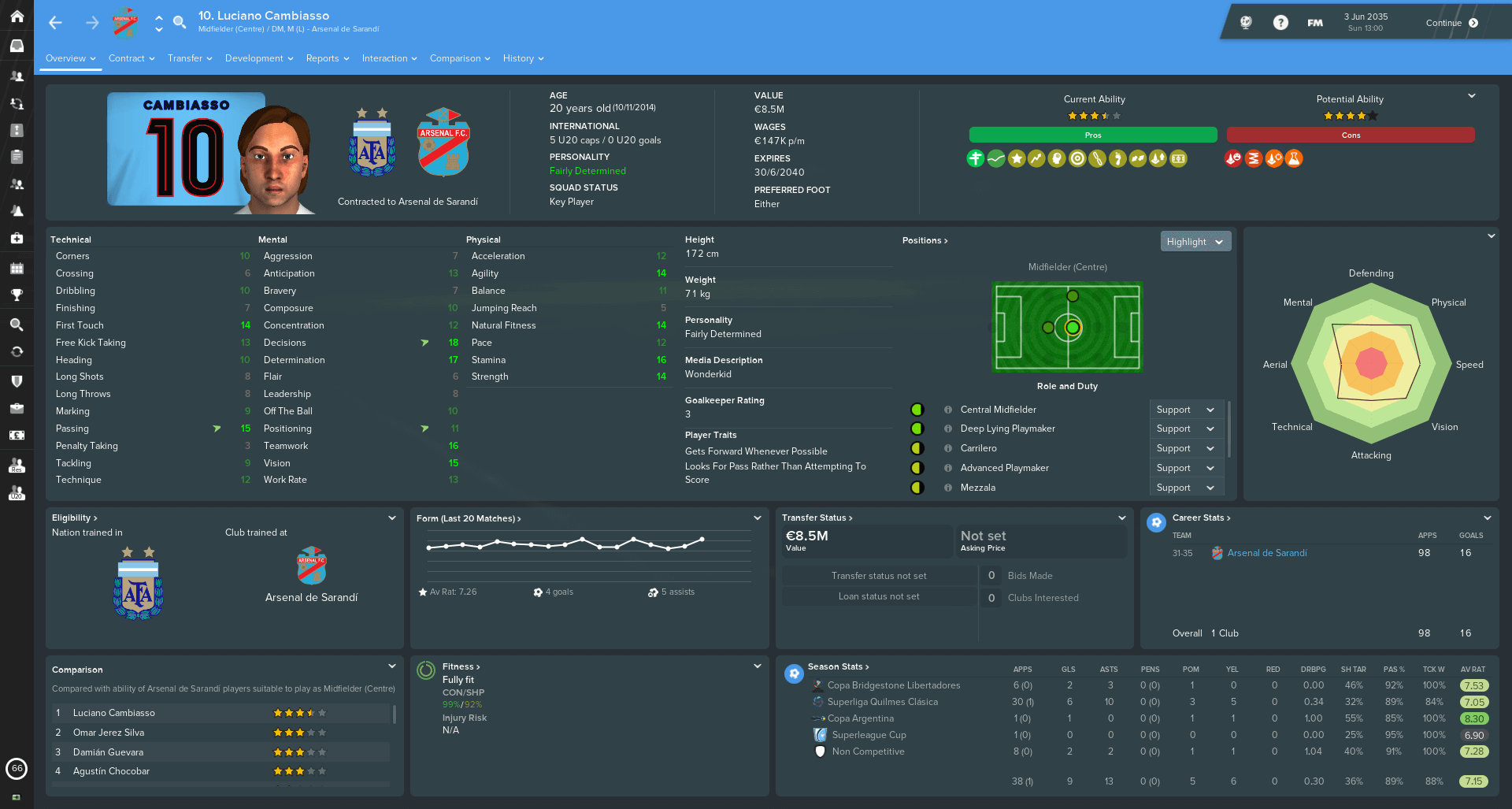
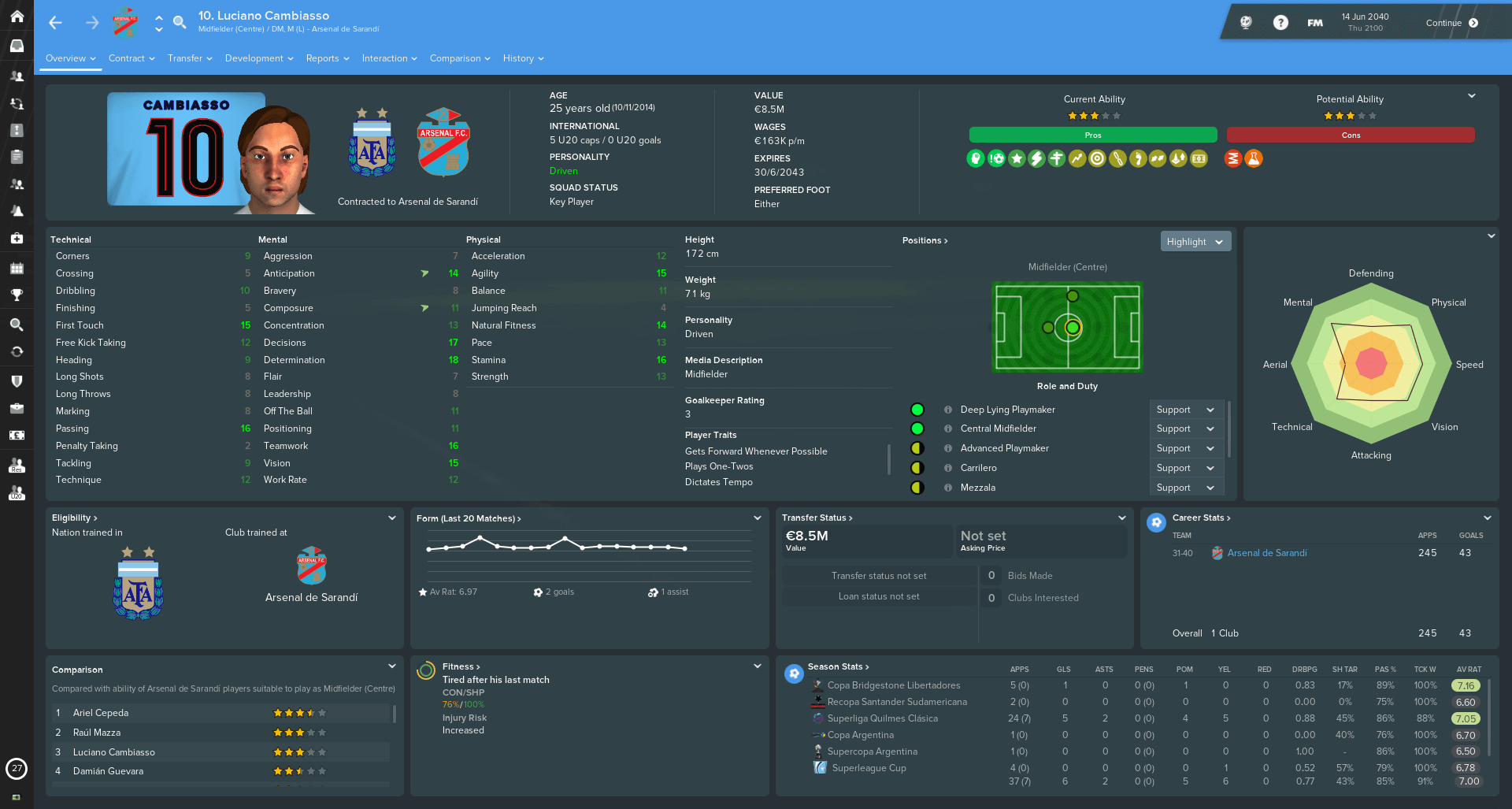
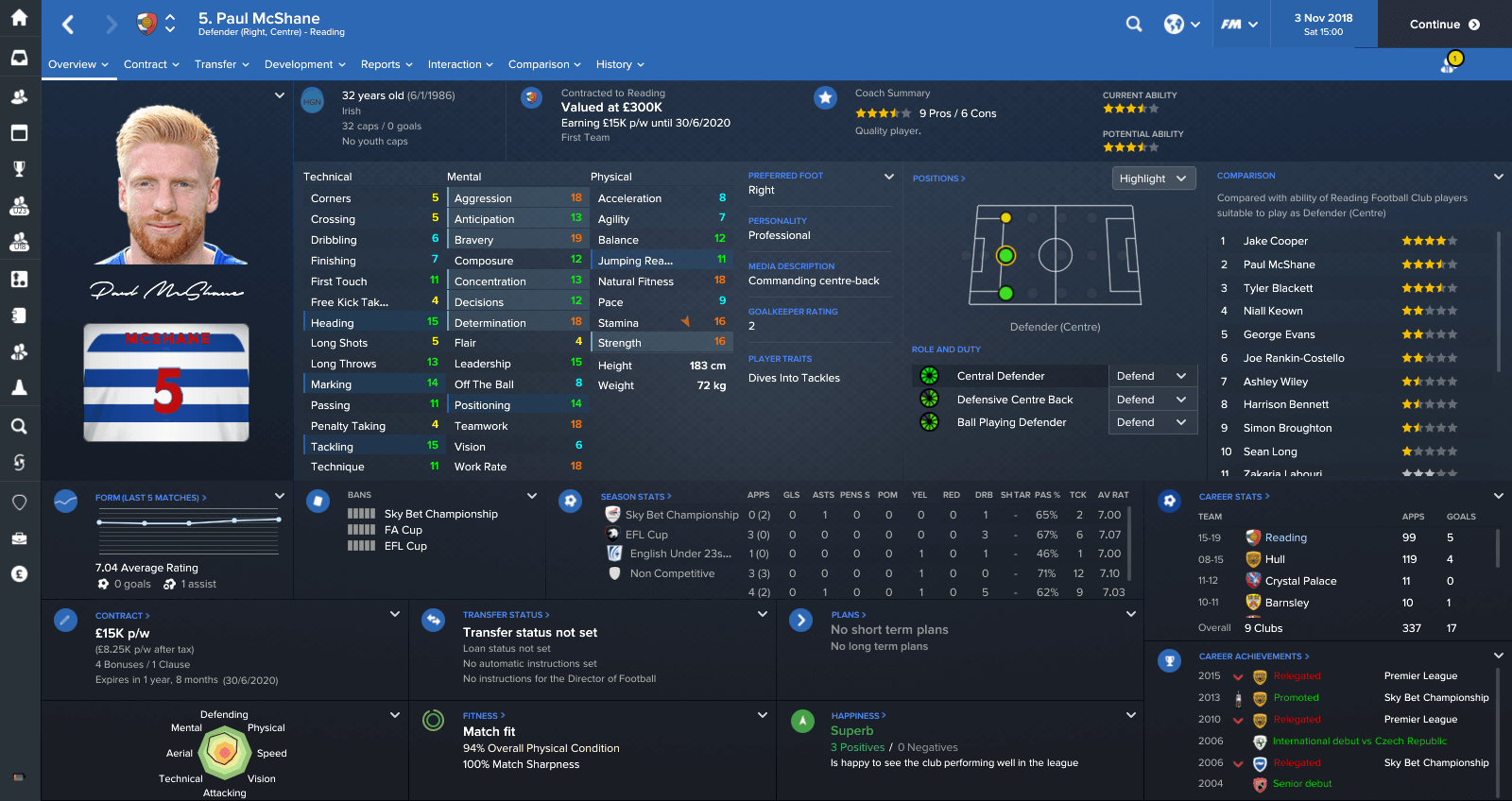
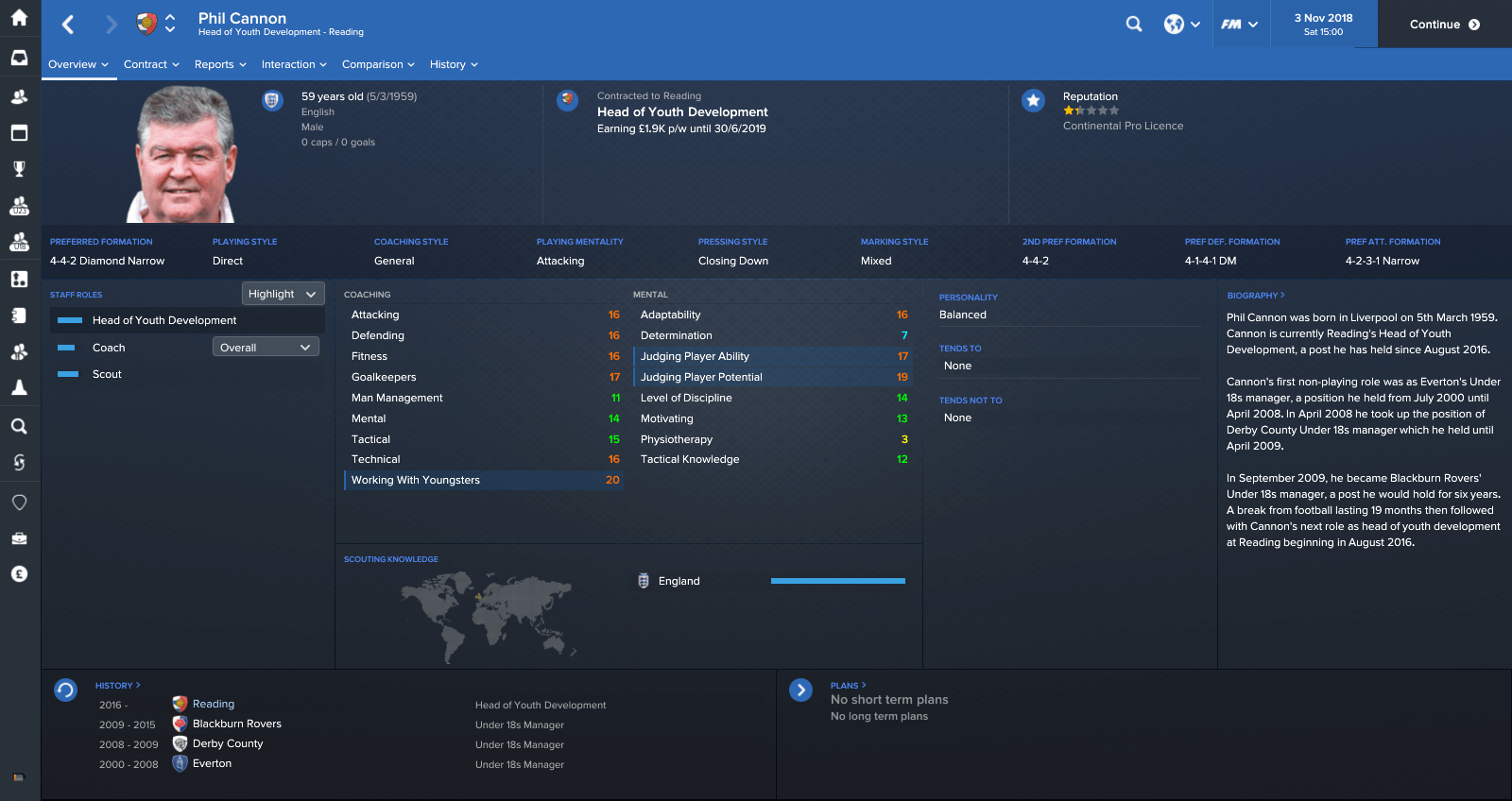
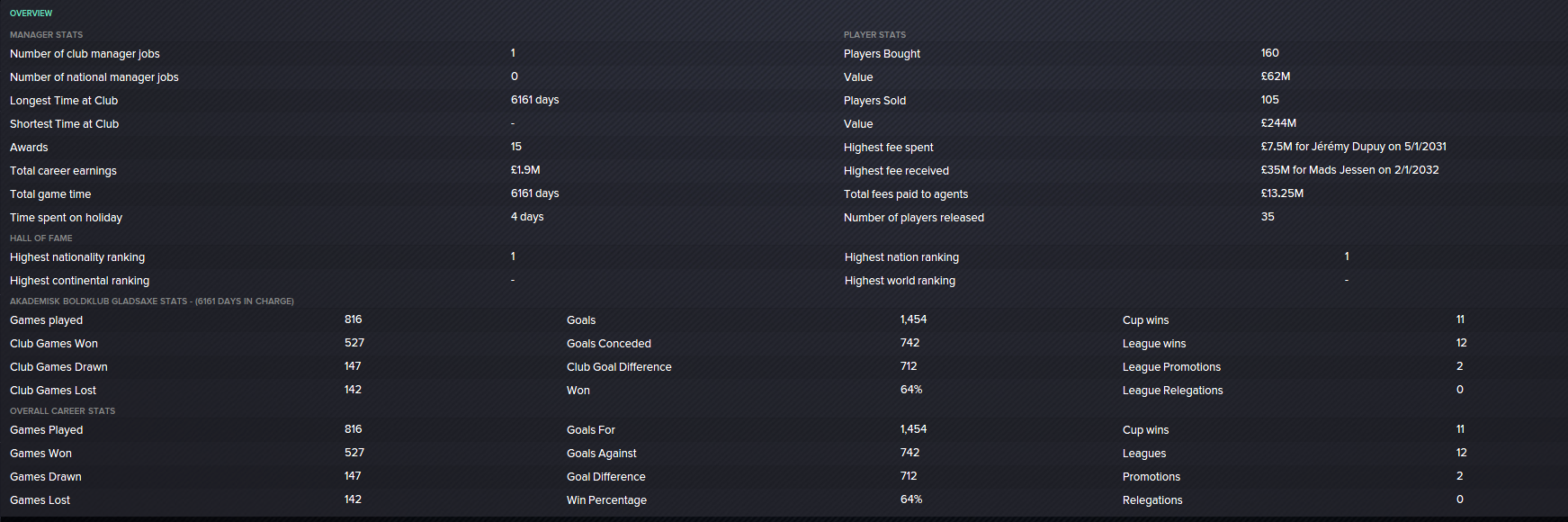
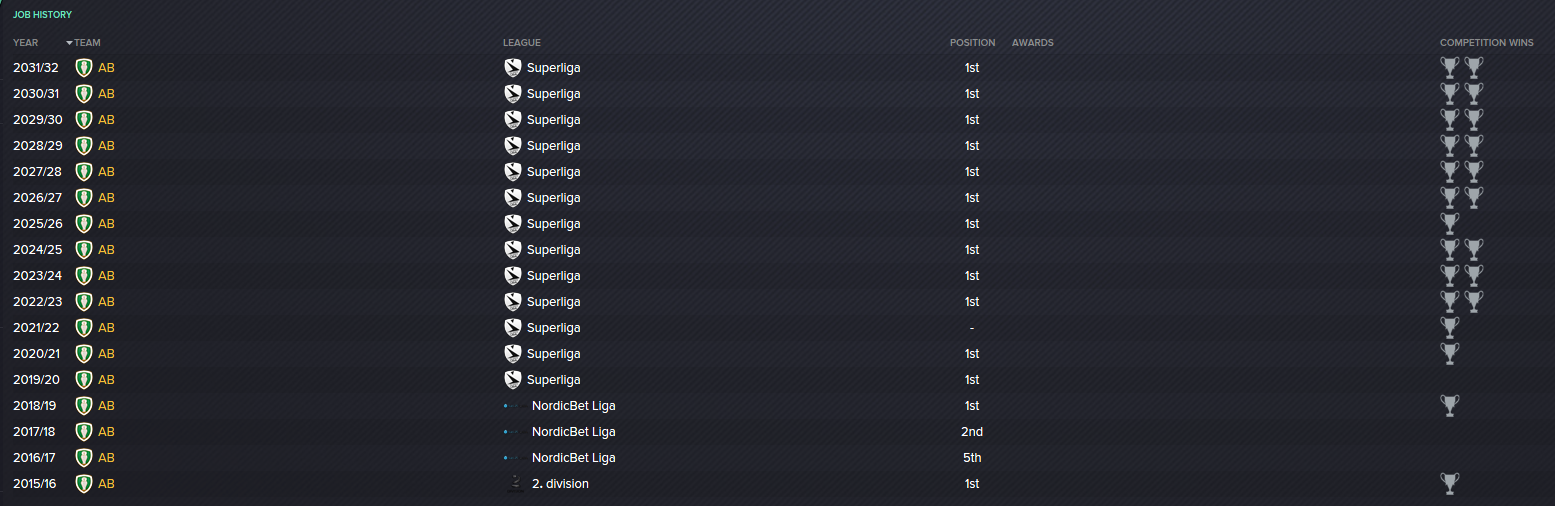
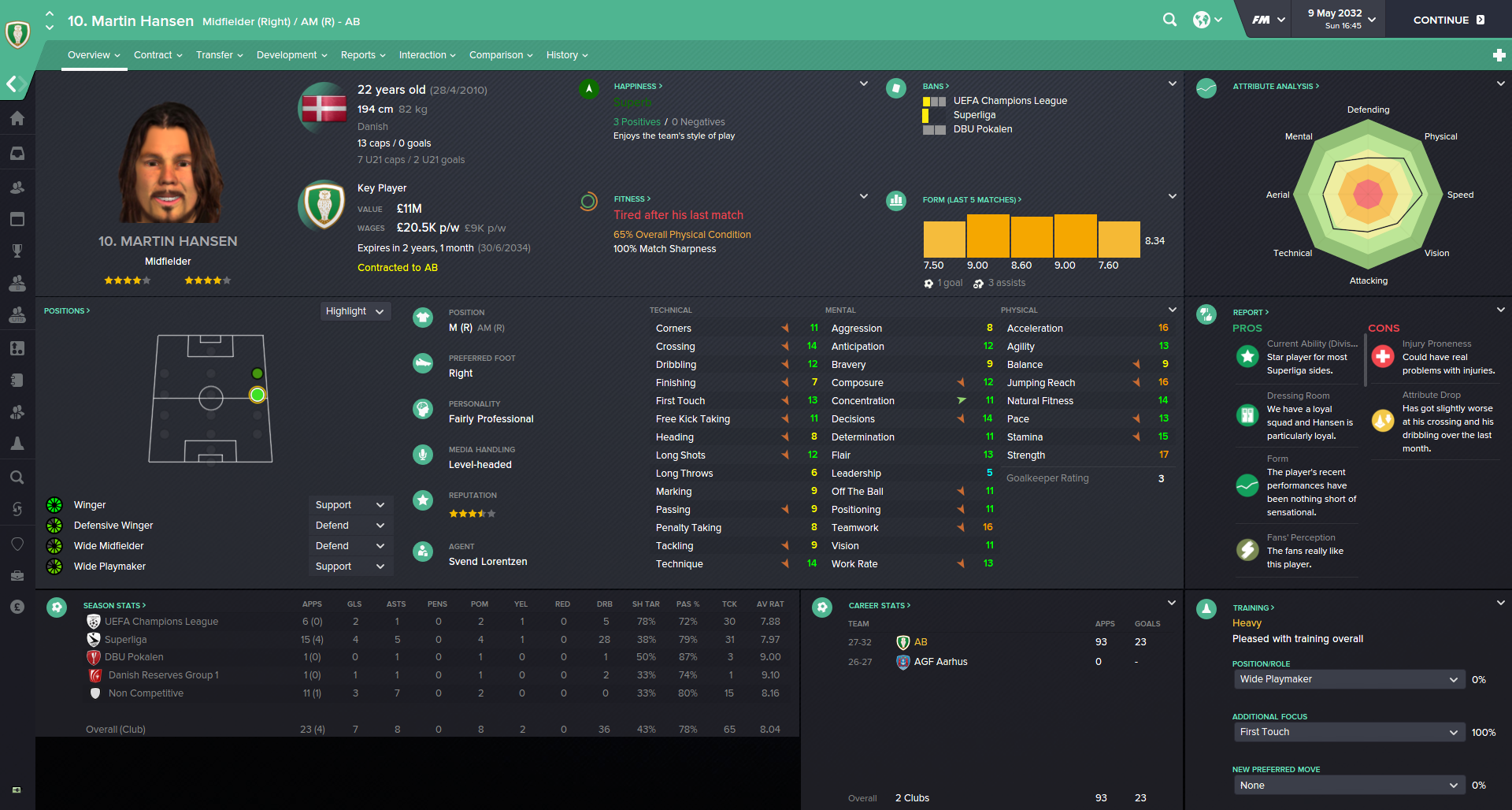
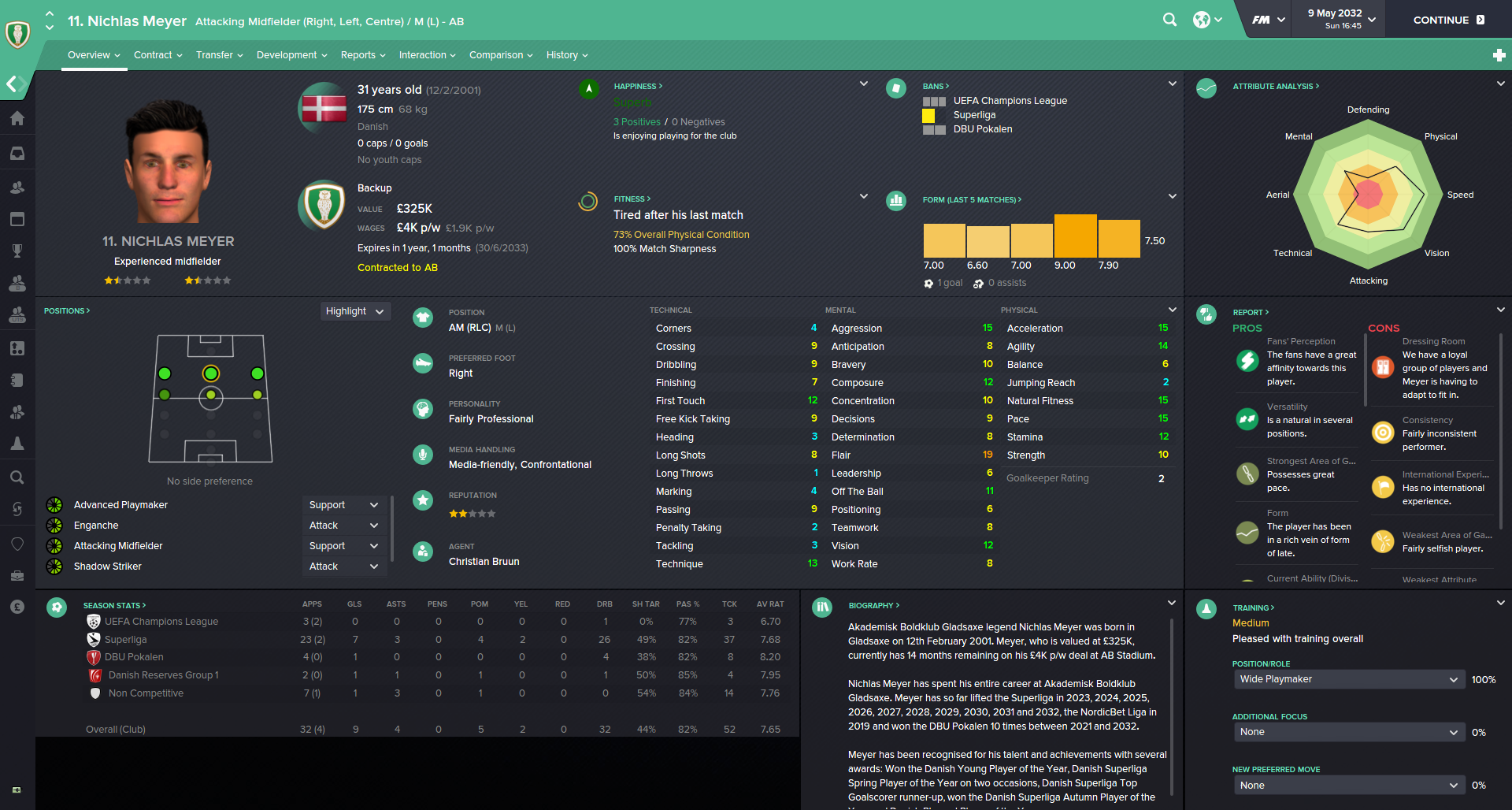
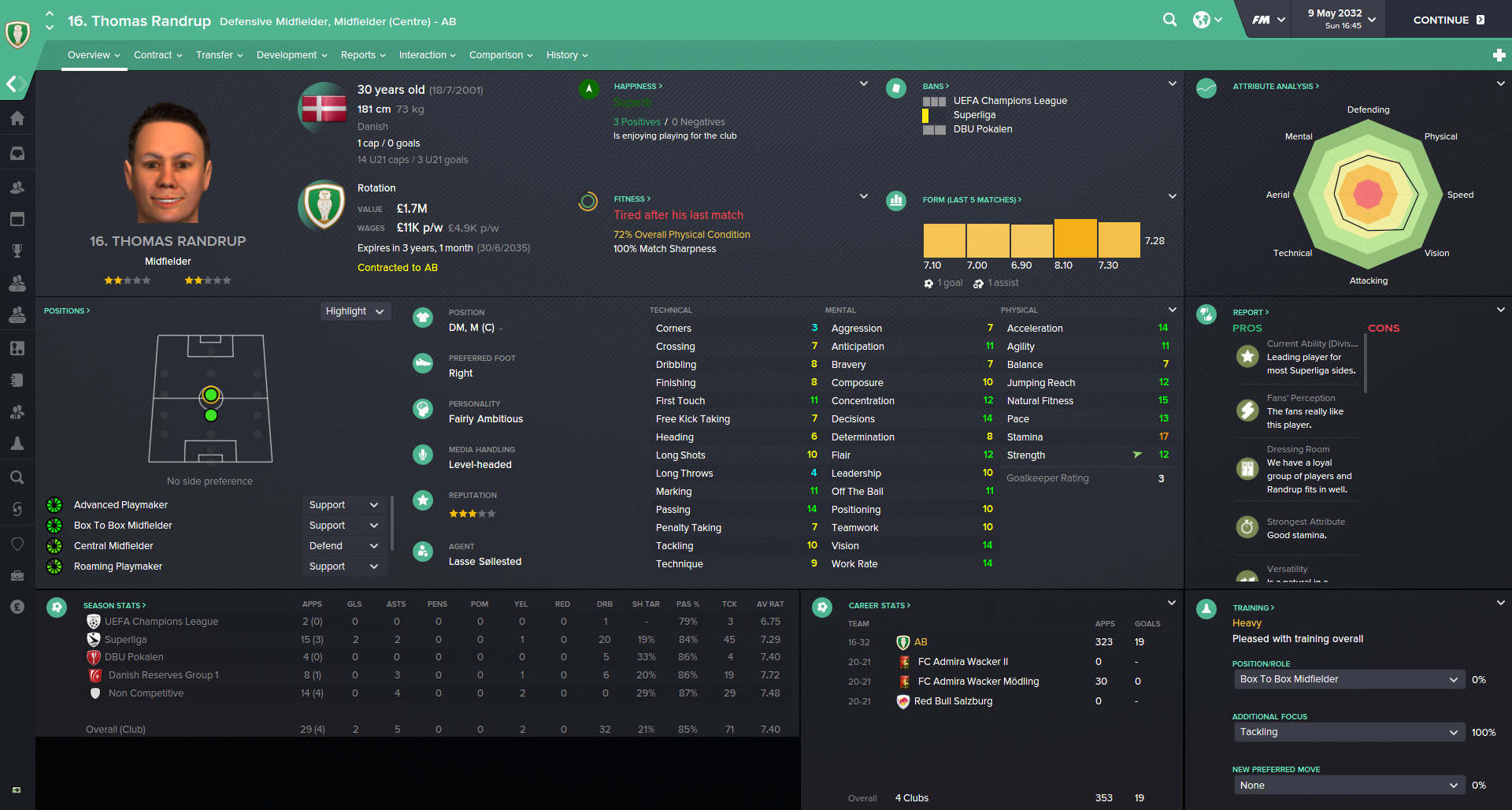
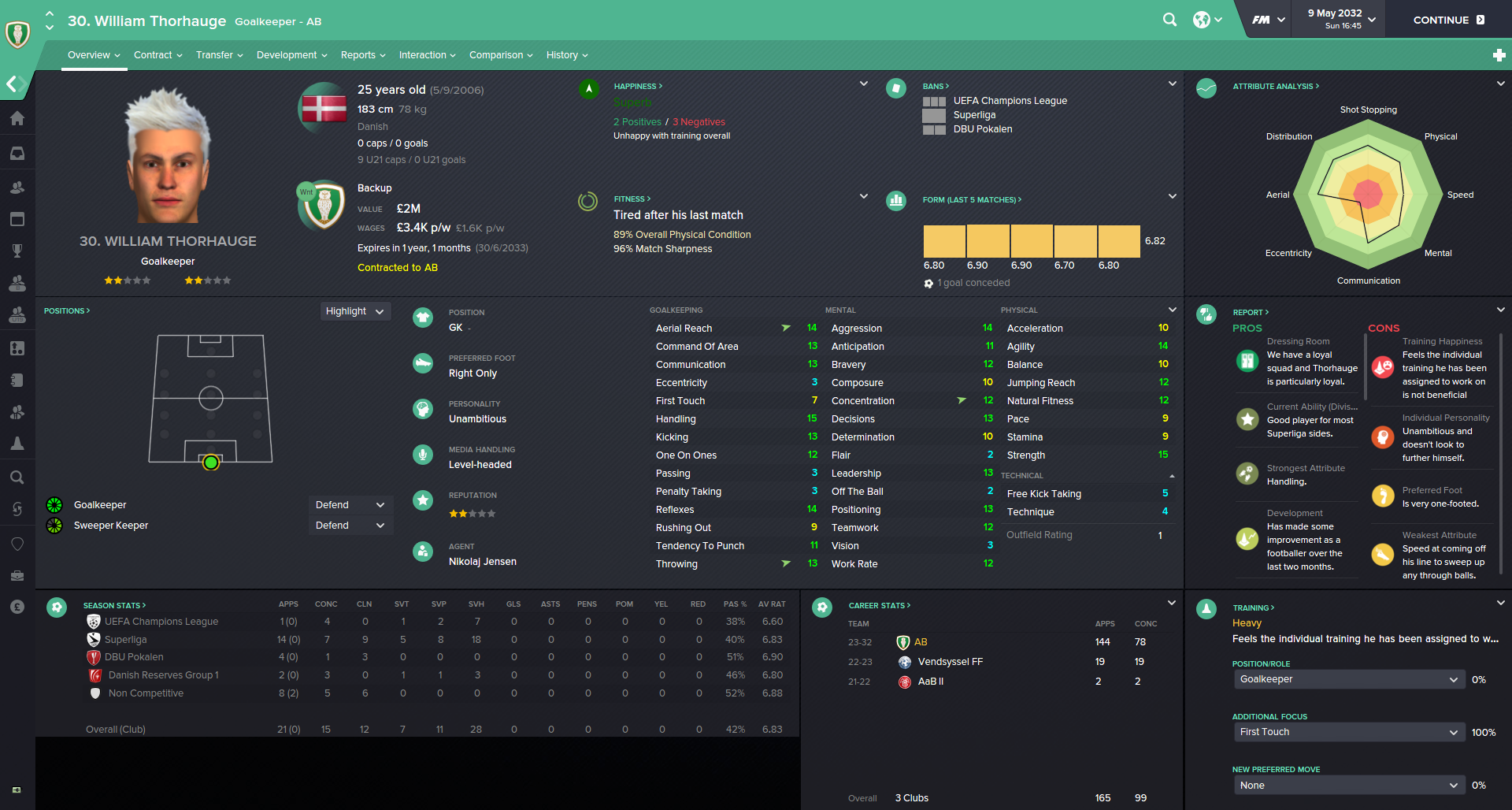
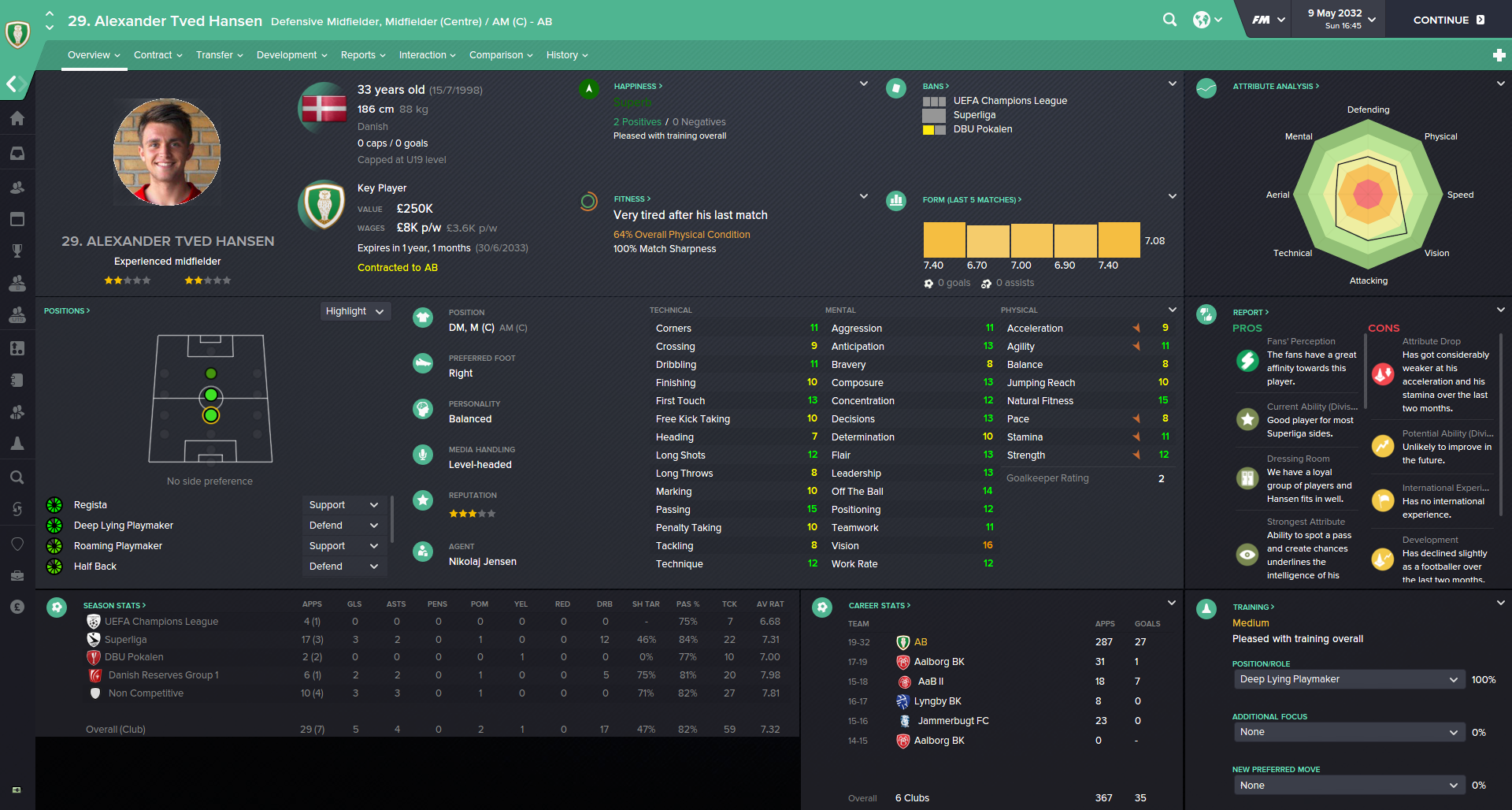
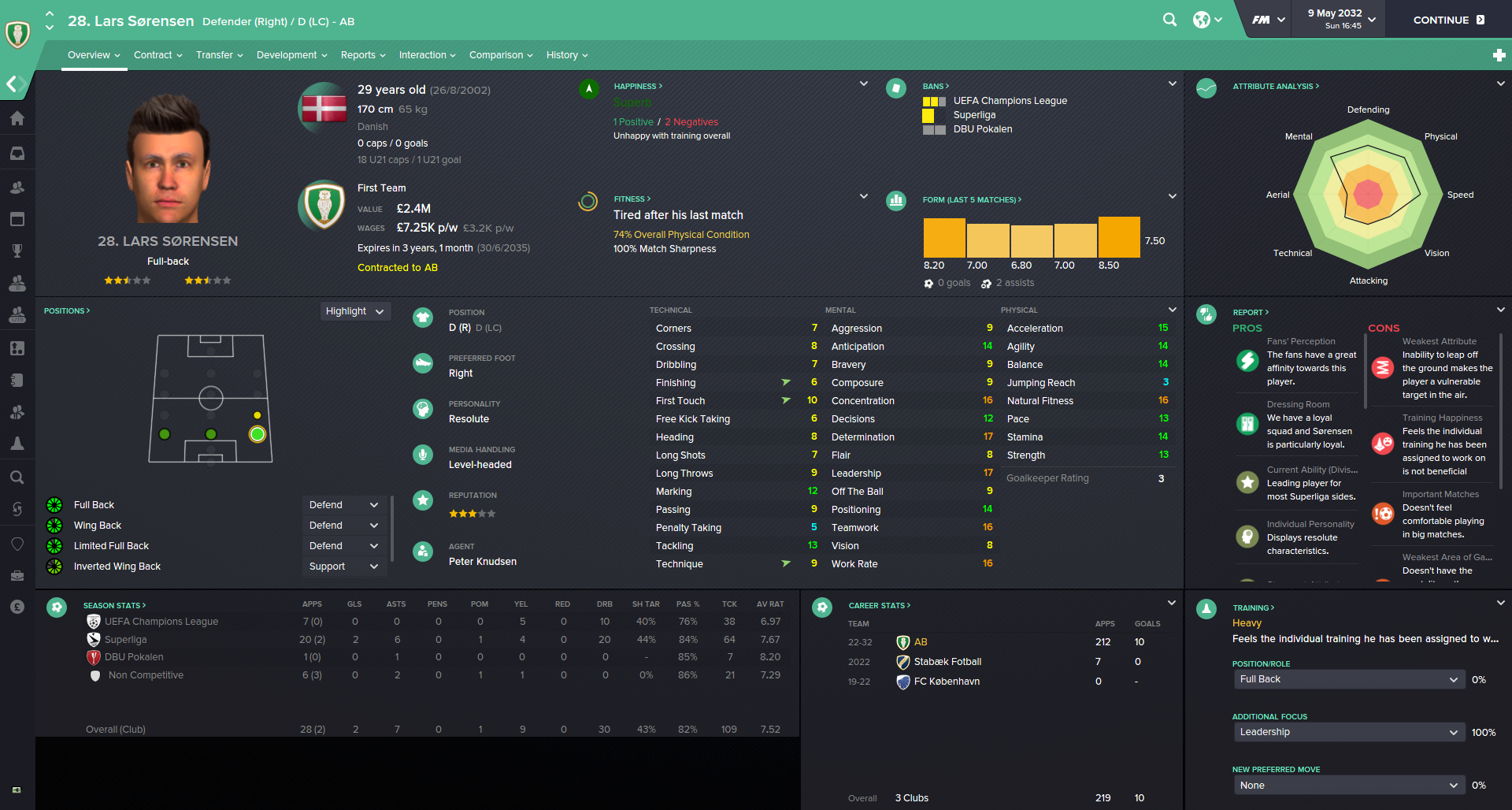
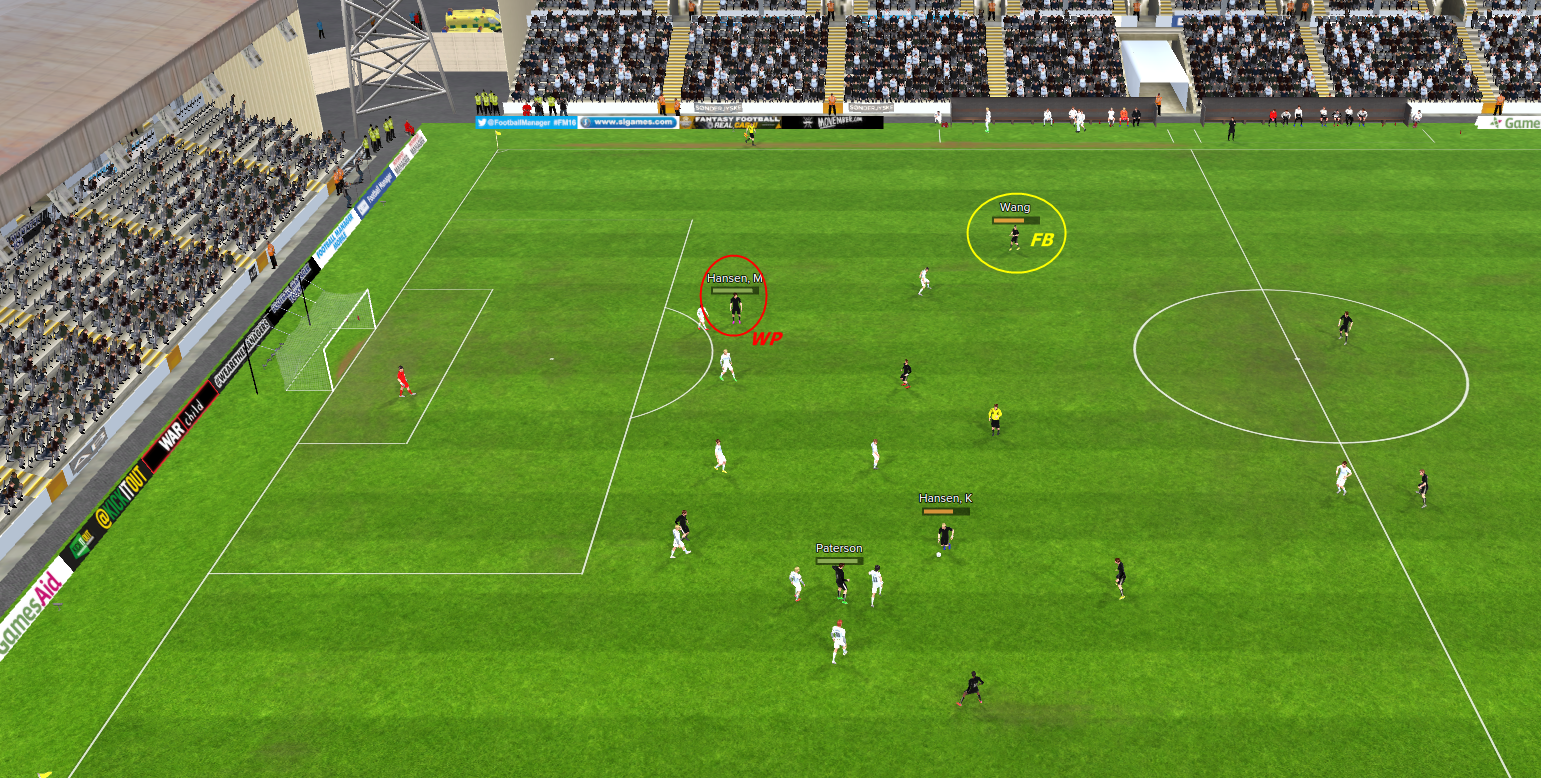
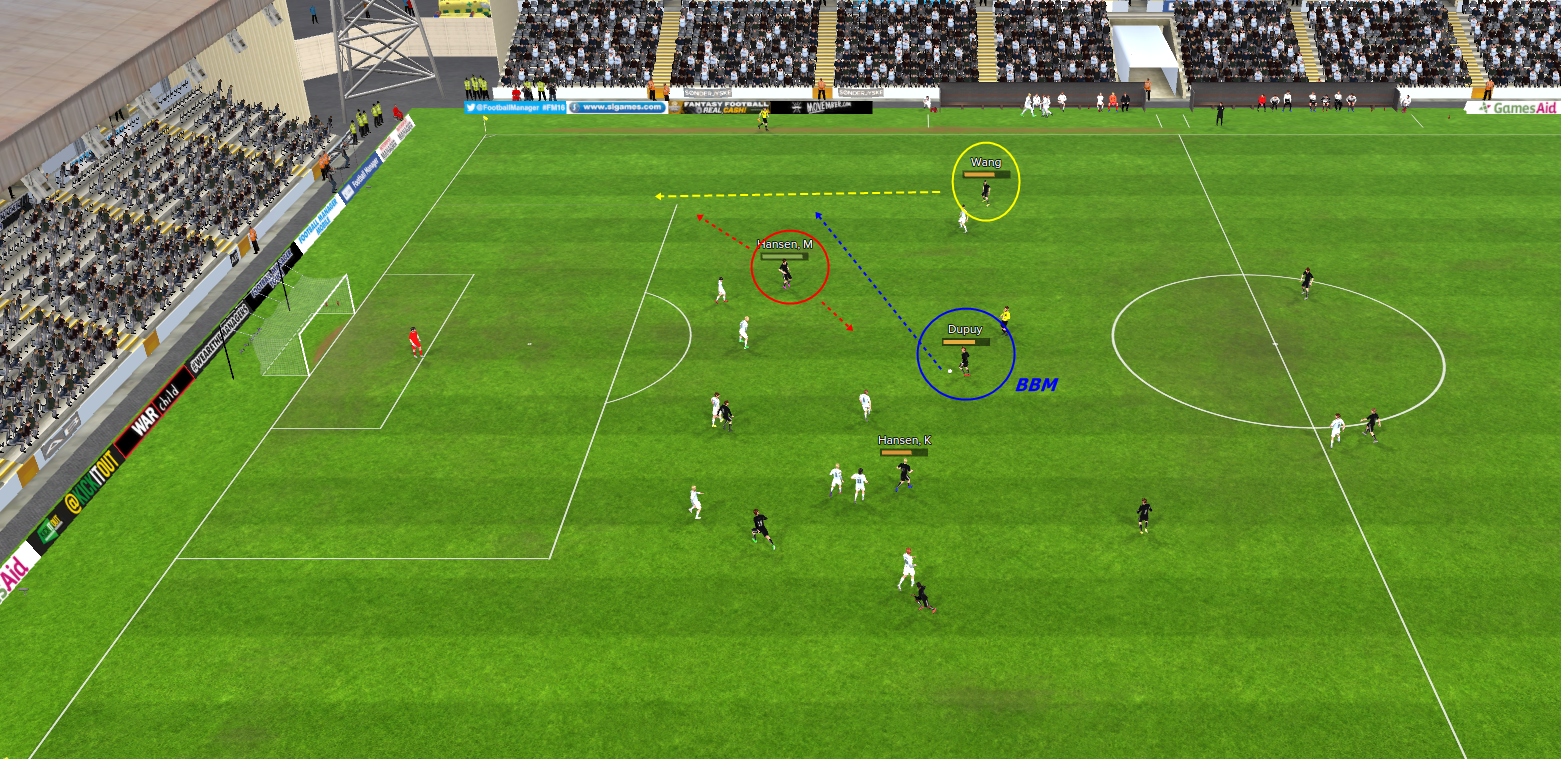
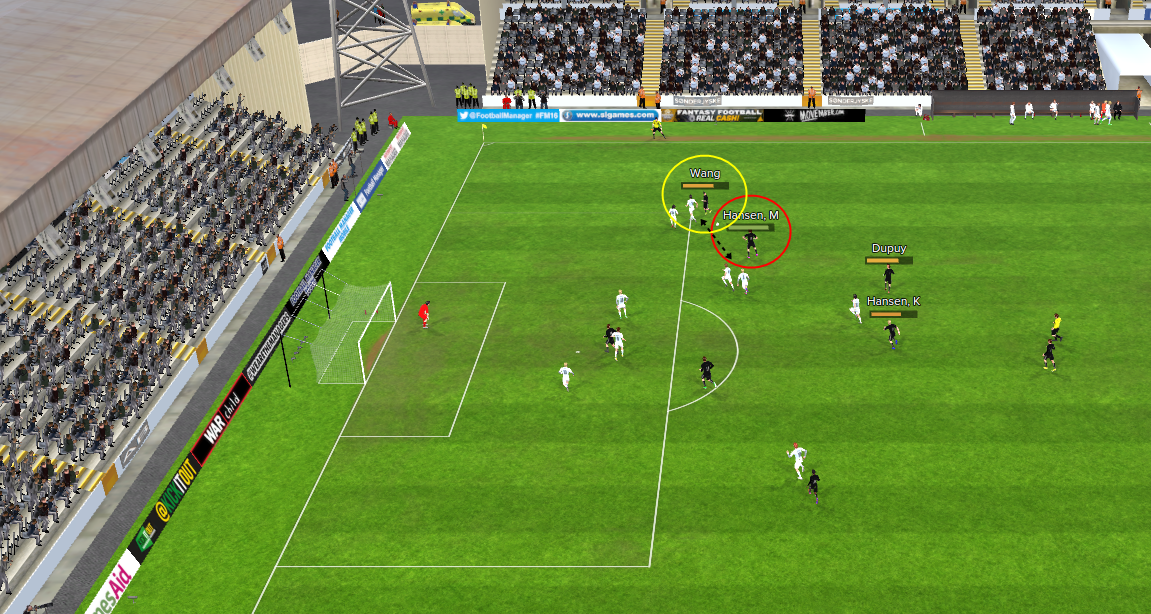
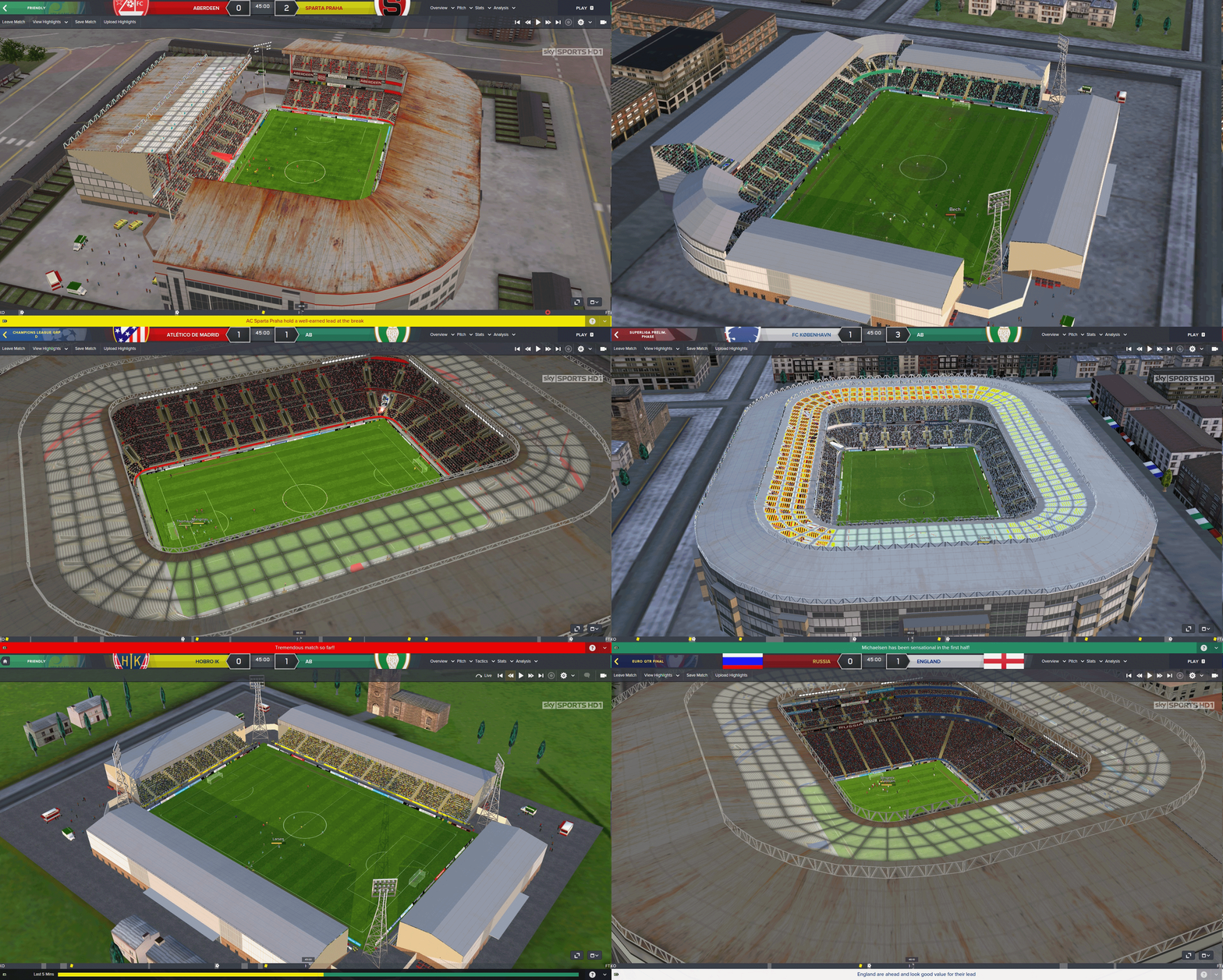
Background Support Mod + Inbox adjustment
The Background Support Mod created by Michael Murray was activated and I also added the coloured 'ticks' in the mailbox list and increased the size of inbox header so the pictures of staff are bigger.
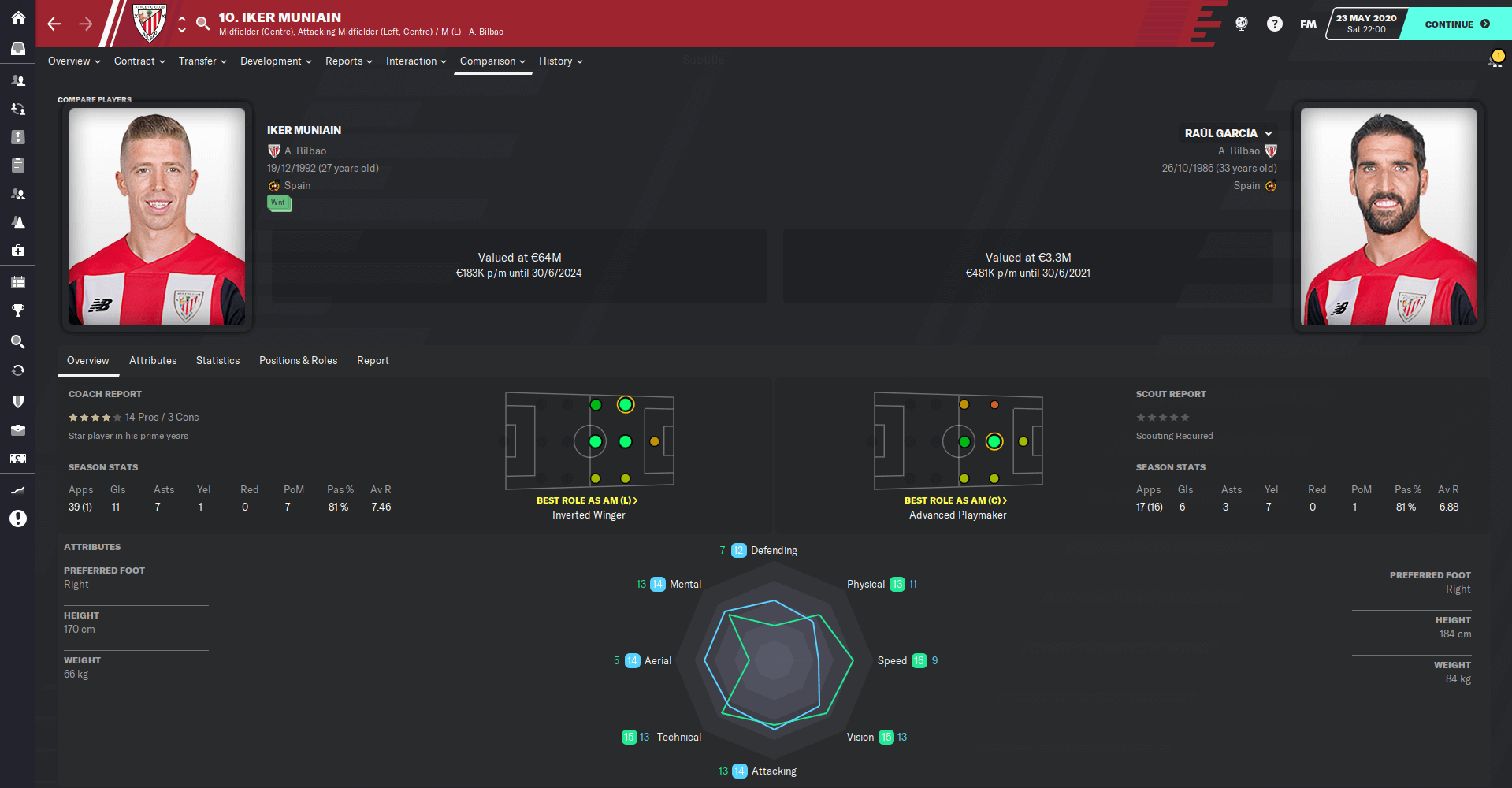
Scouting recommendation/card bigger picture
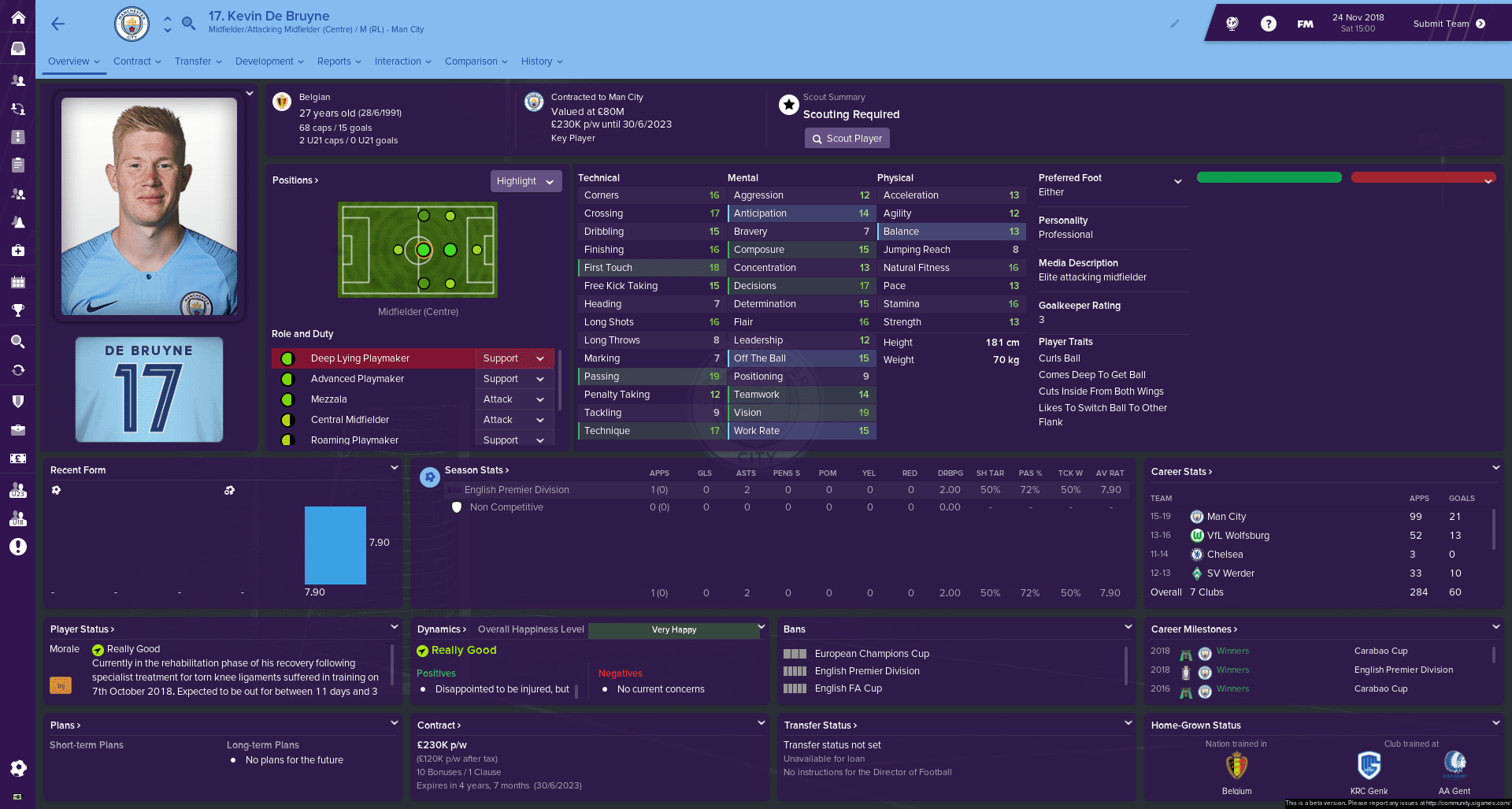
Another small thing was added as I increased the size of the player picture in the scouting recommendation card when you are in the Scouting Centre or in your mailbox.
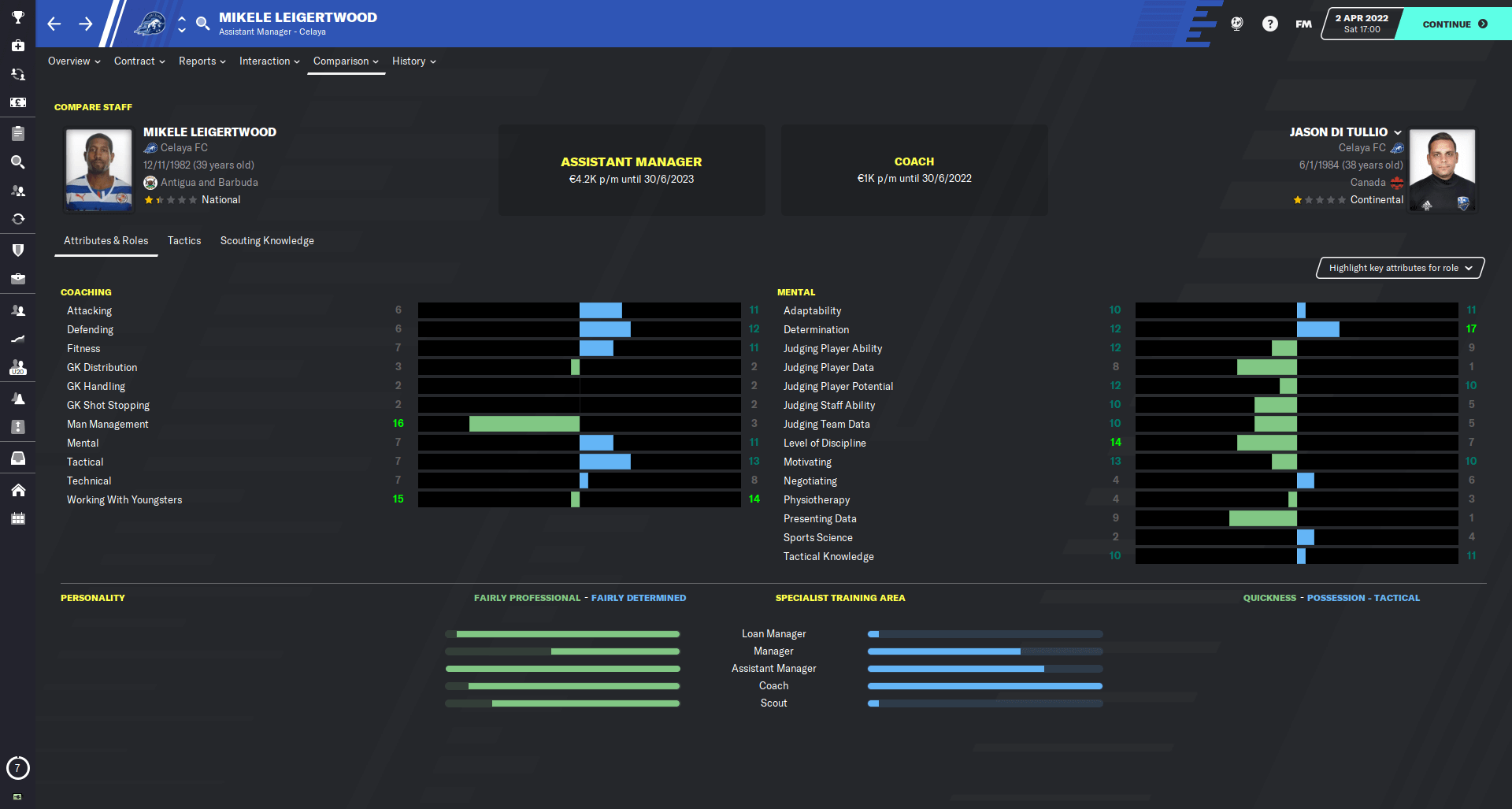
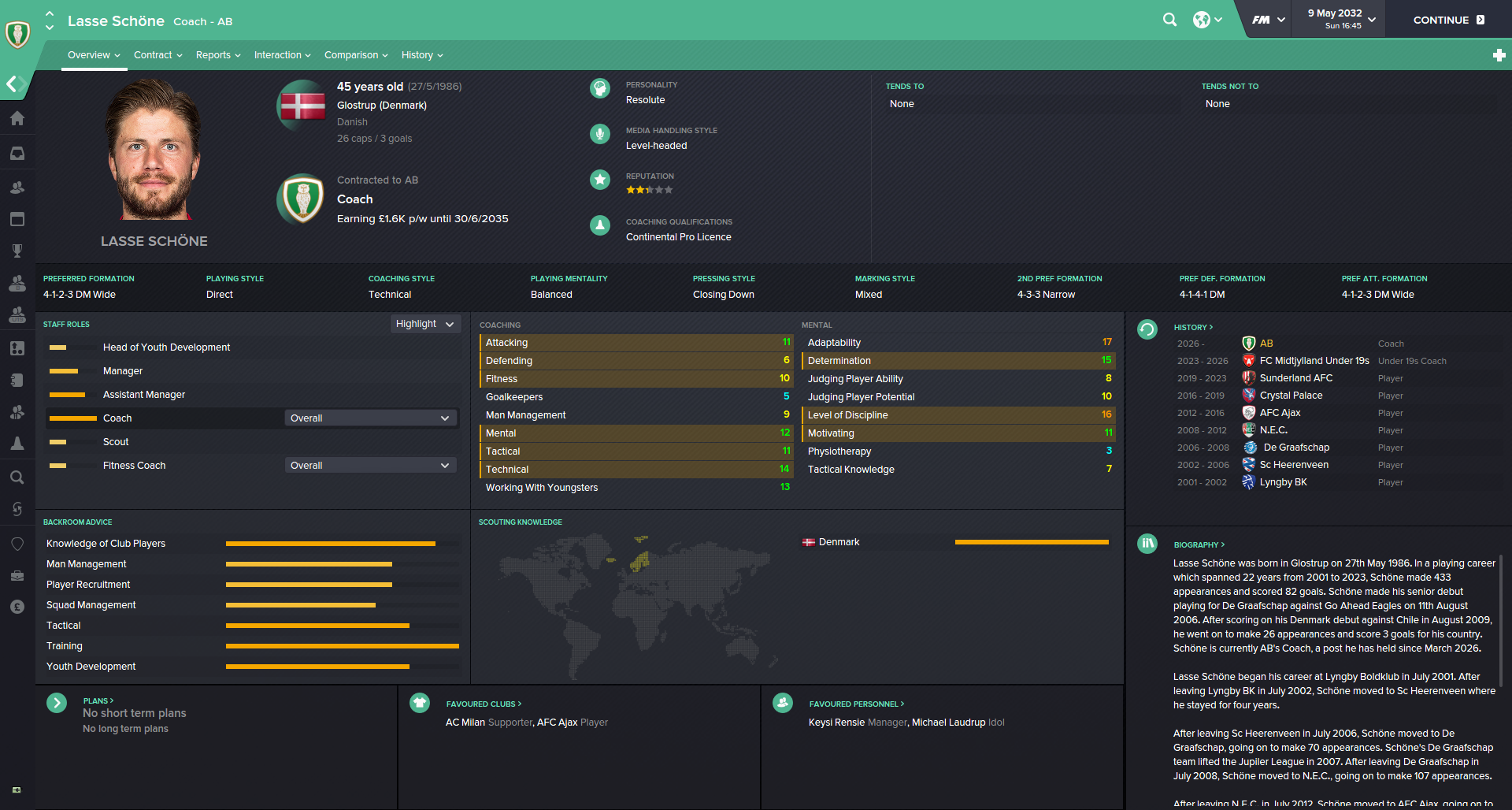
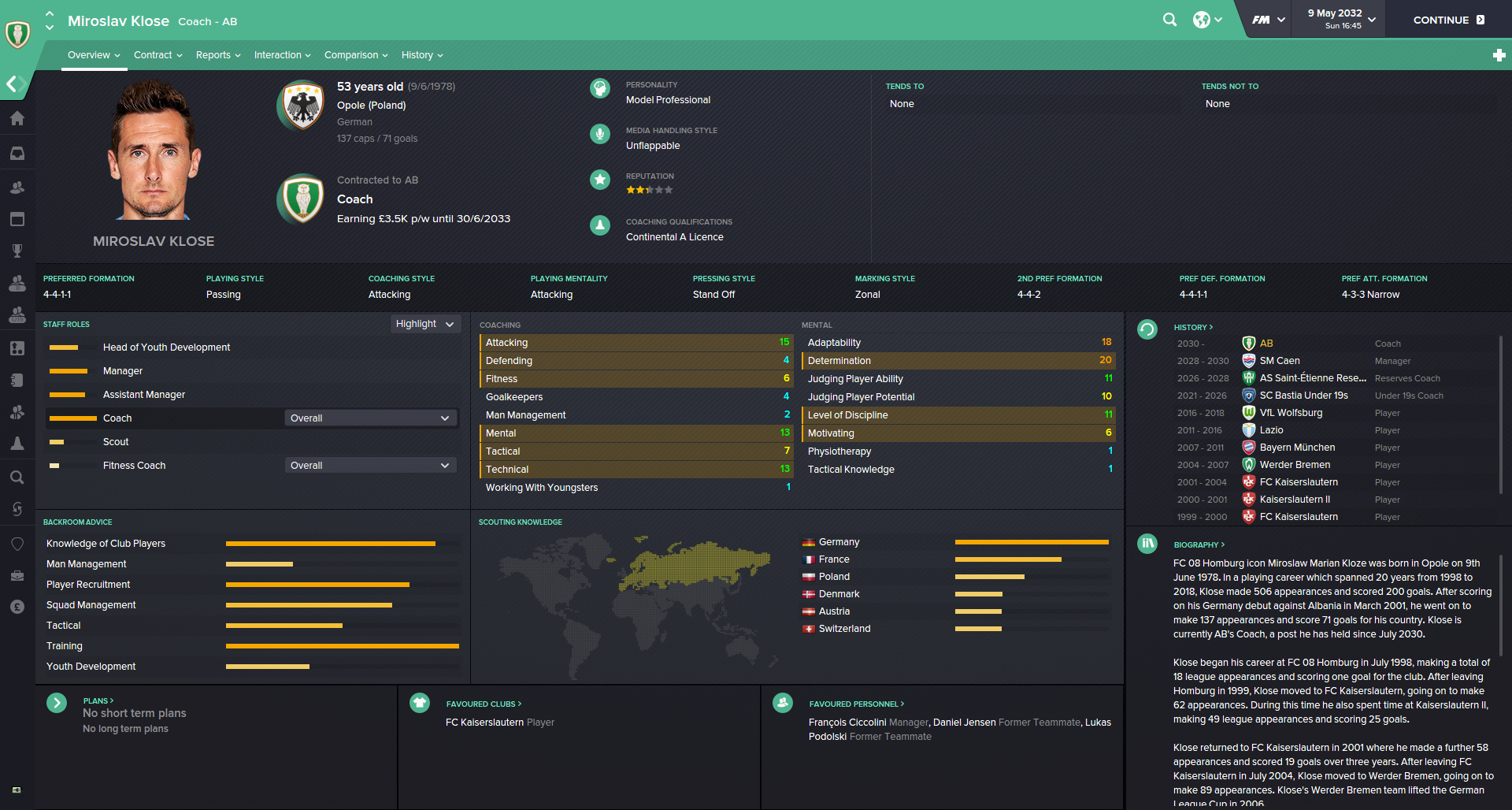
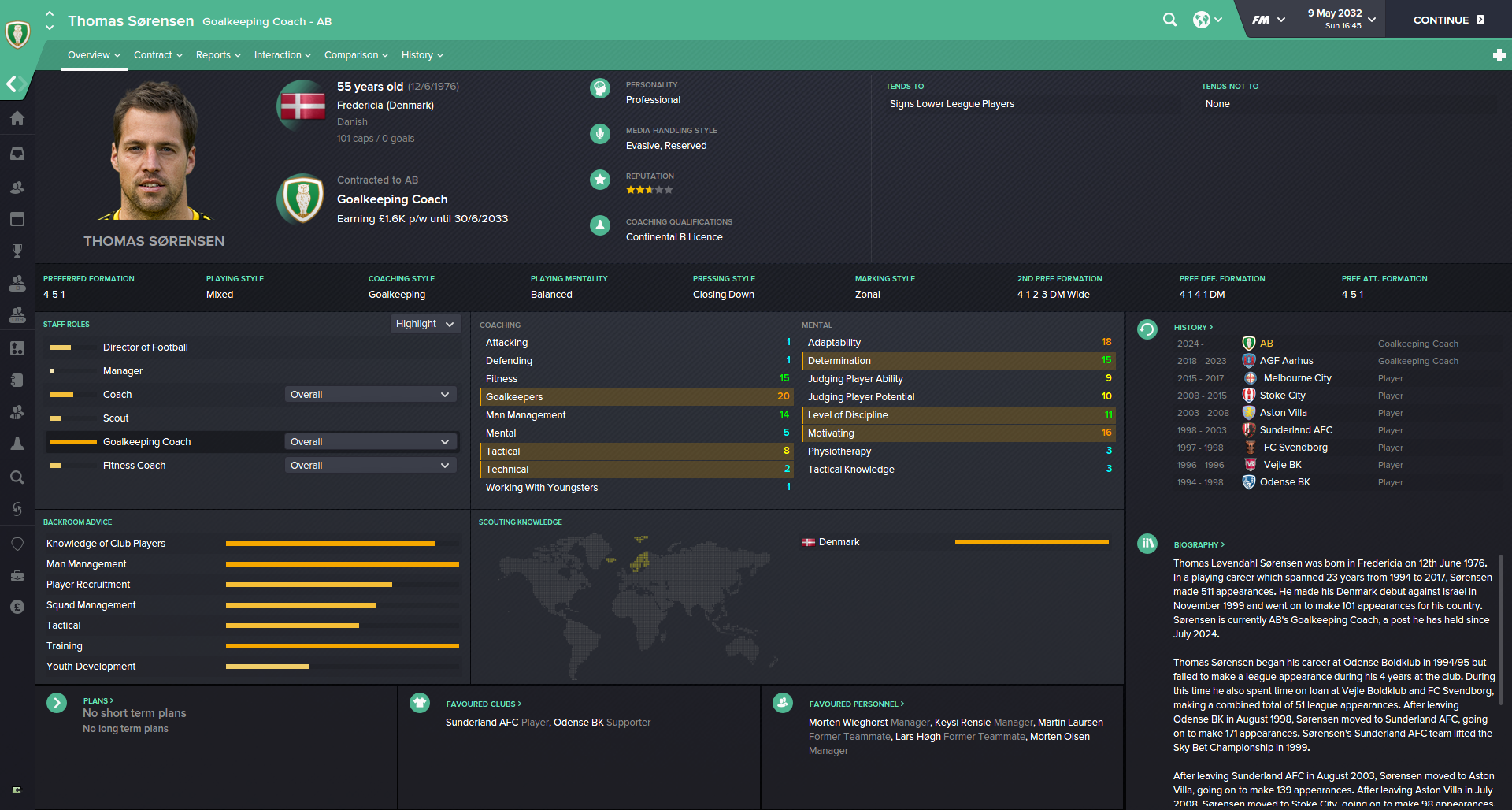
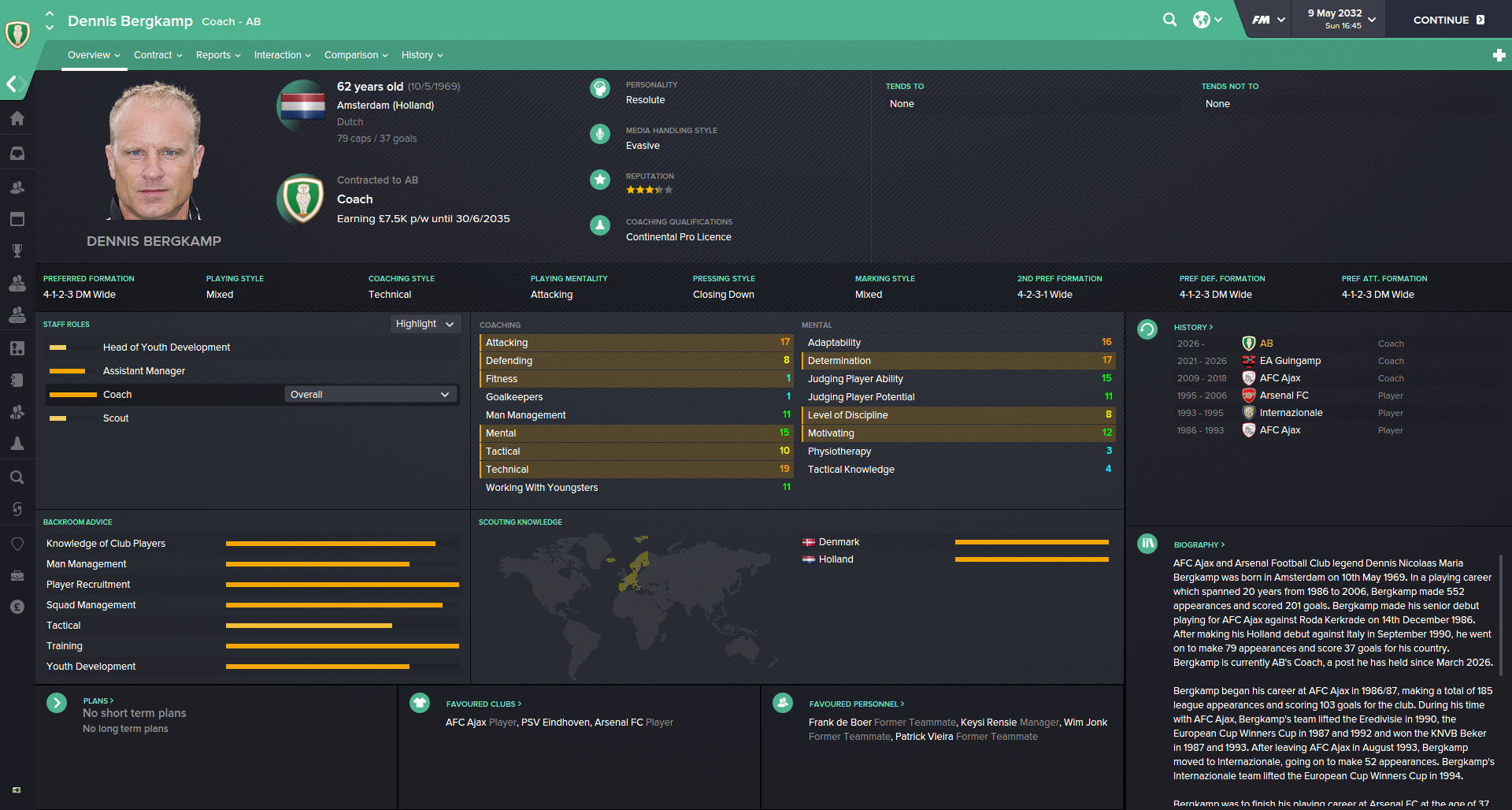
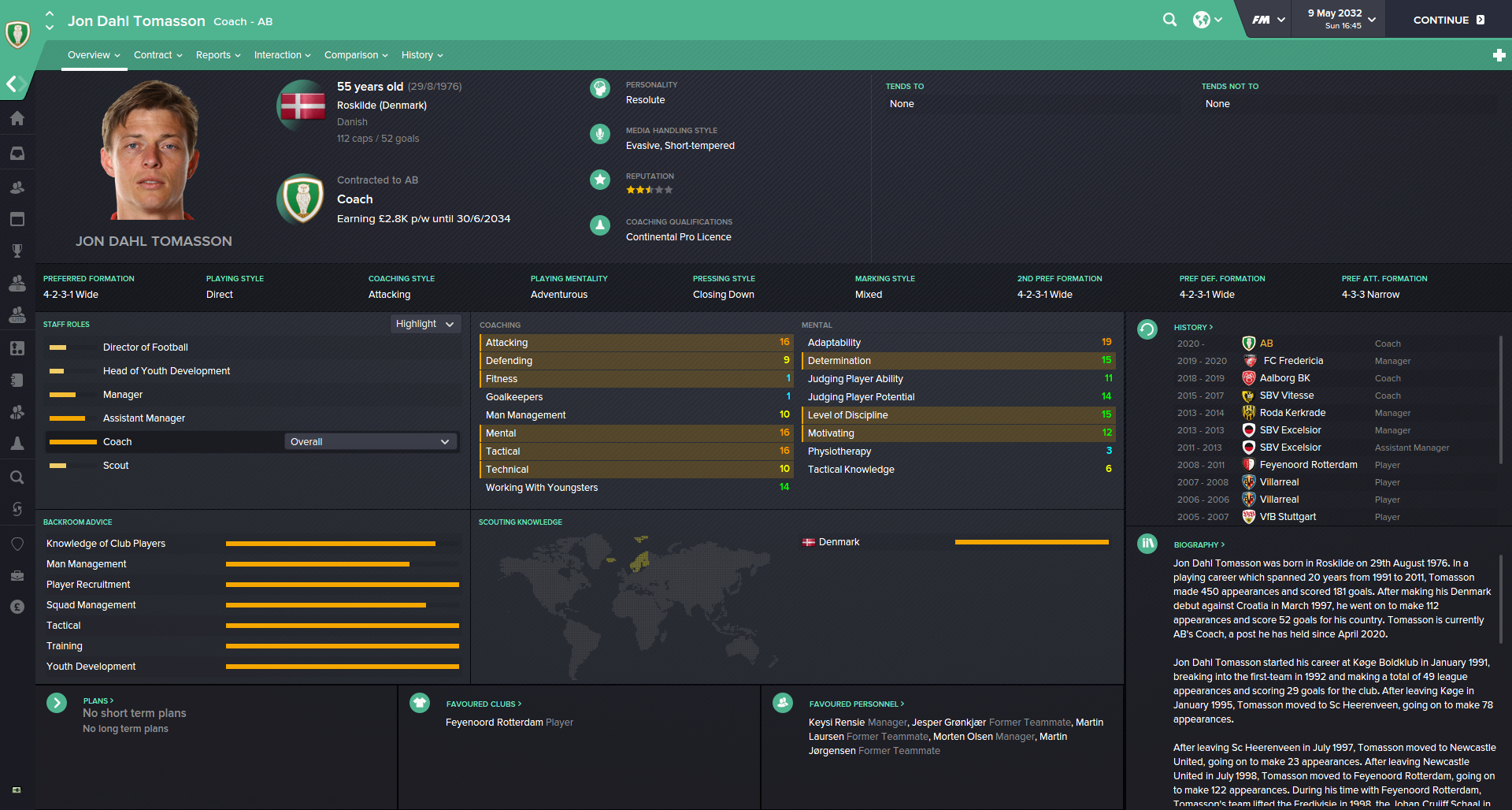
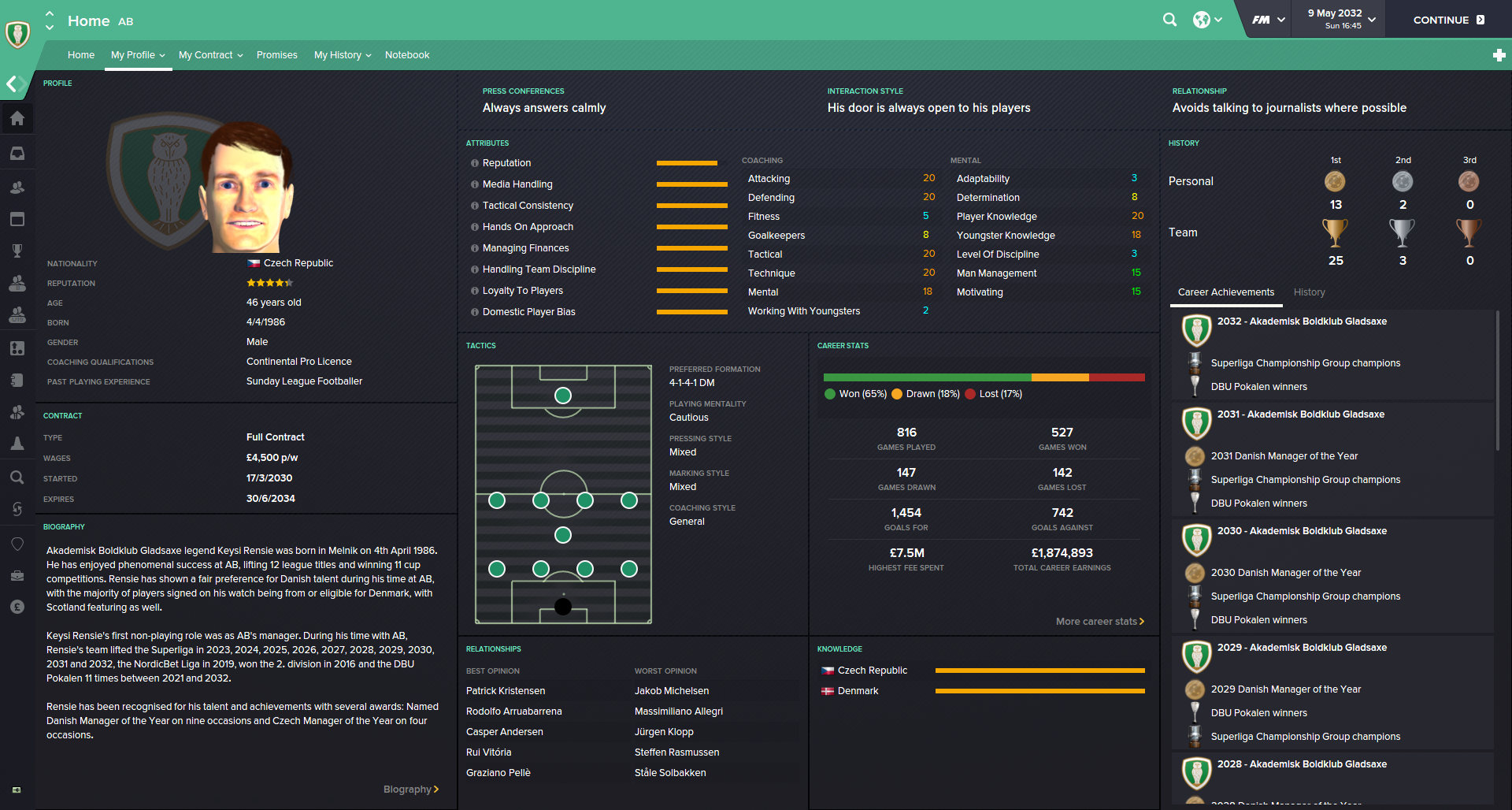
Staff Overview + Human manager
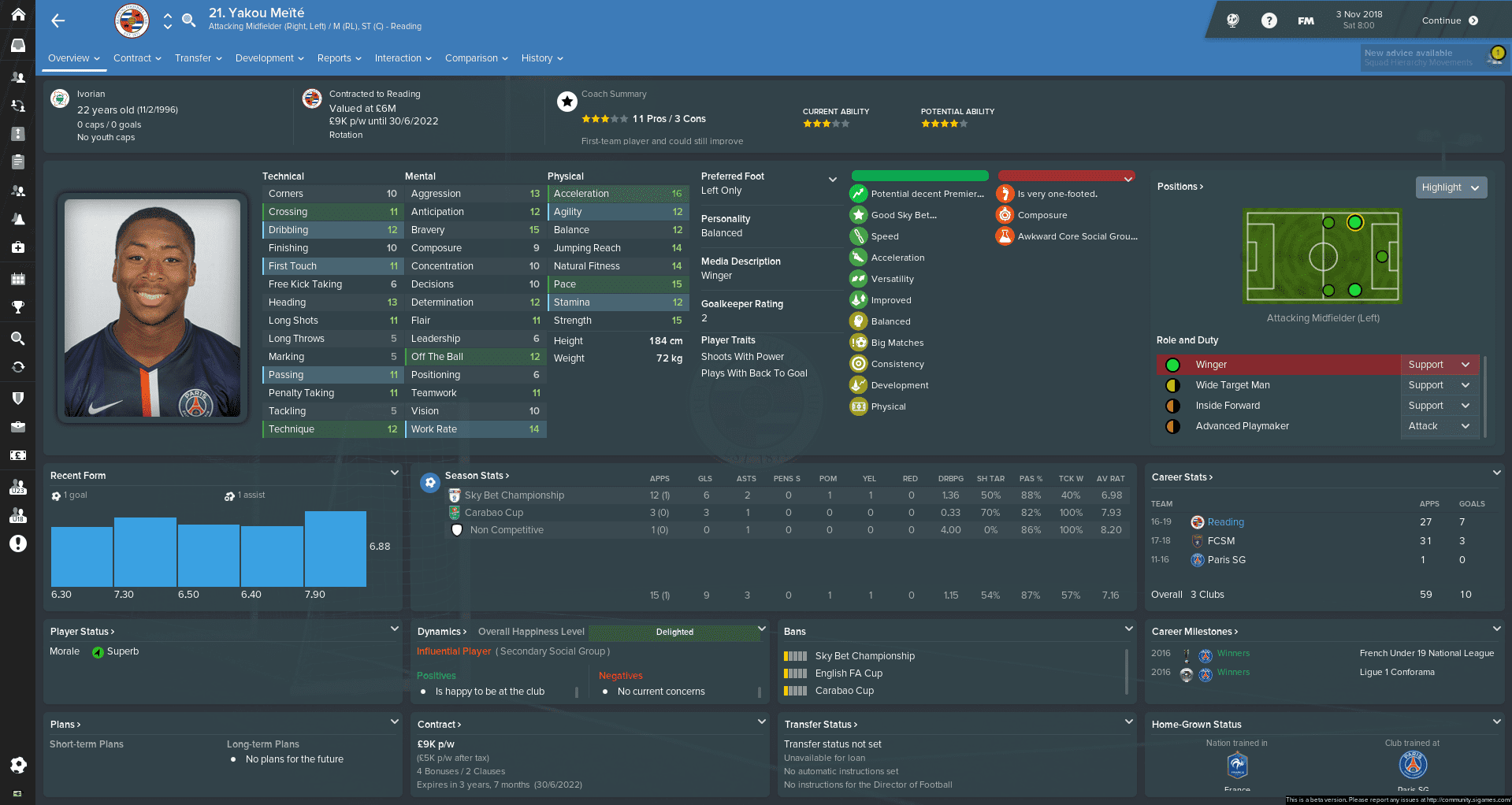
Same non-player profiles as in FM18, I only adjusted some small things you would probably don't even notice...
Schedule
Just a quick change - the width of the right panel was resized to a more logical size...
Inbox item - Team of the week/month
Same as in previous skins I added this panel to increase the size of pitch picture in the inbox when you receive the message with the info about Team of the week/month.
Some leagues, for example in the Czech Republic, there are also substitutes for Team of the week. If you will leave this panel as I set it up there is a possibility the line with substitutes will not be able to see.
You can adjust it yourself. Just go to skin folder/panels/news_item_panels and open "inbox content with pitch panel". Then find the rounded line and change the value and save it. And reload skin...
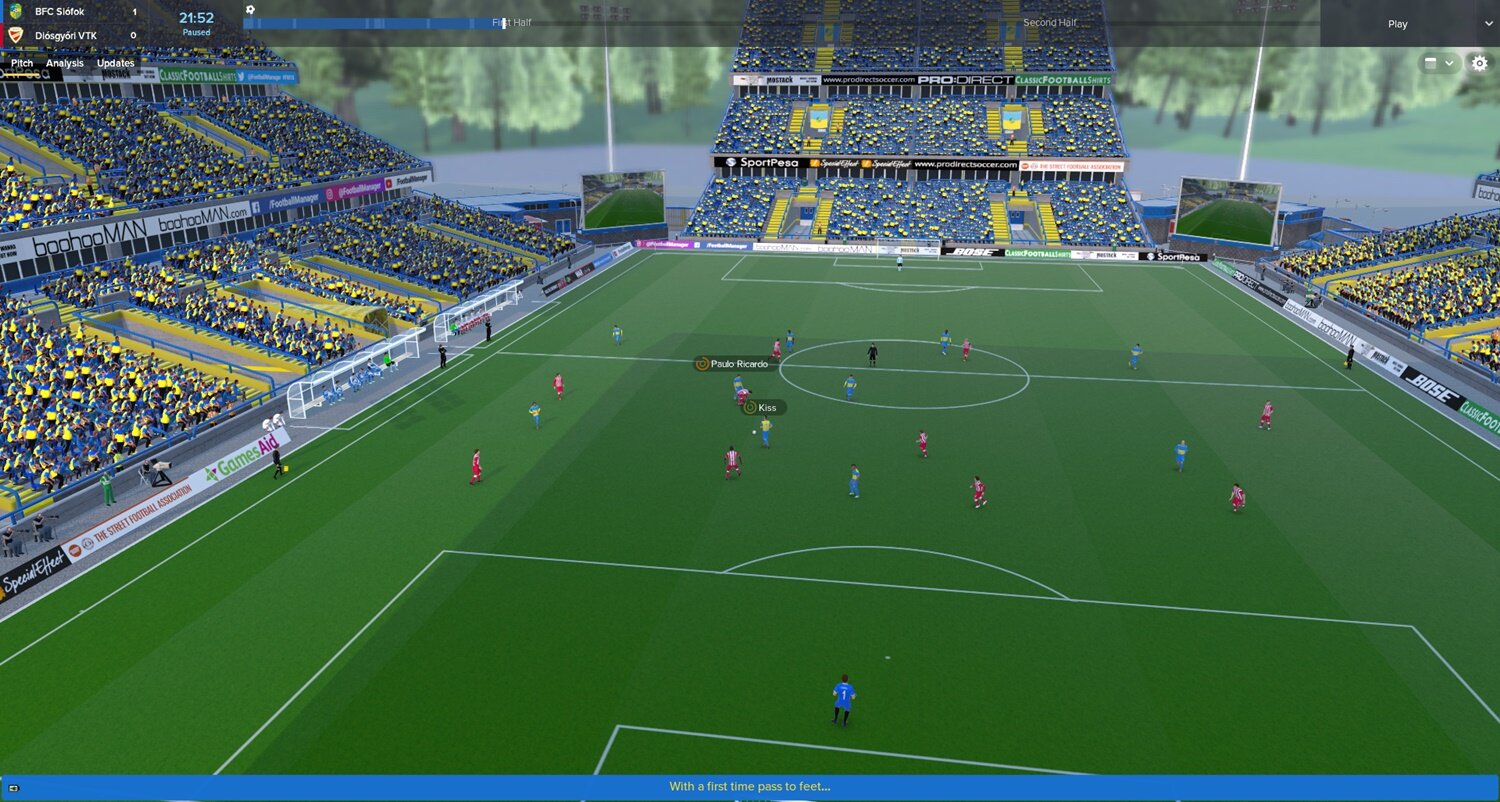
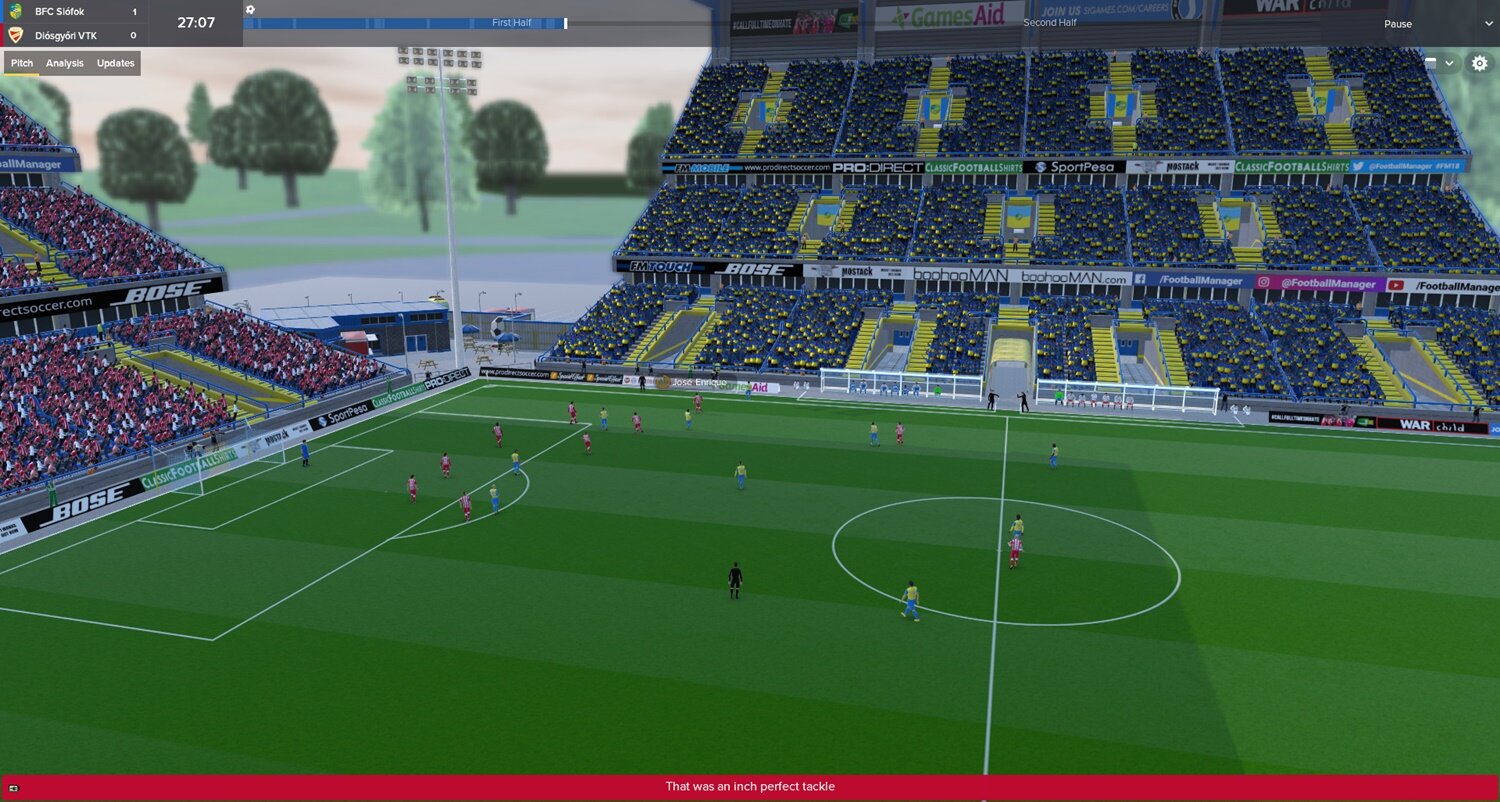
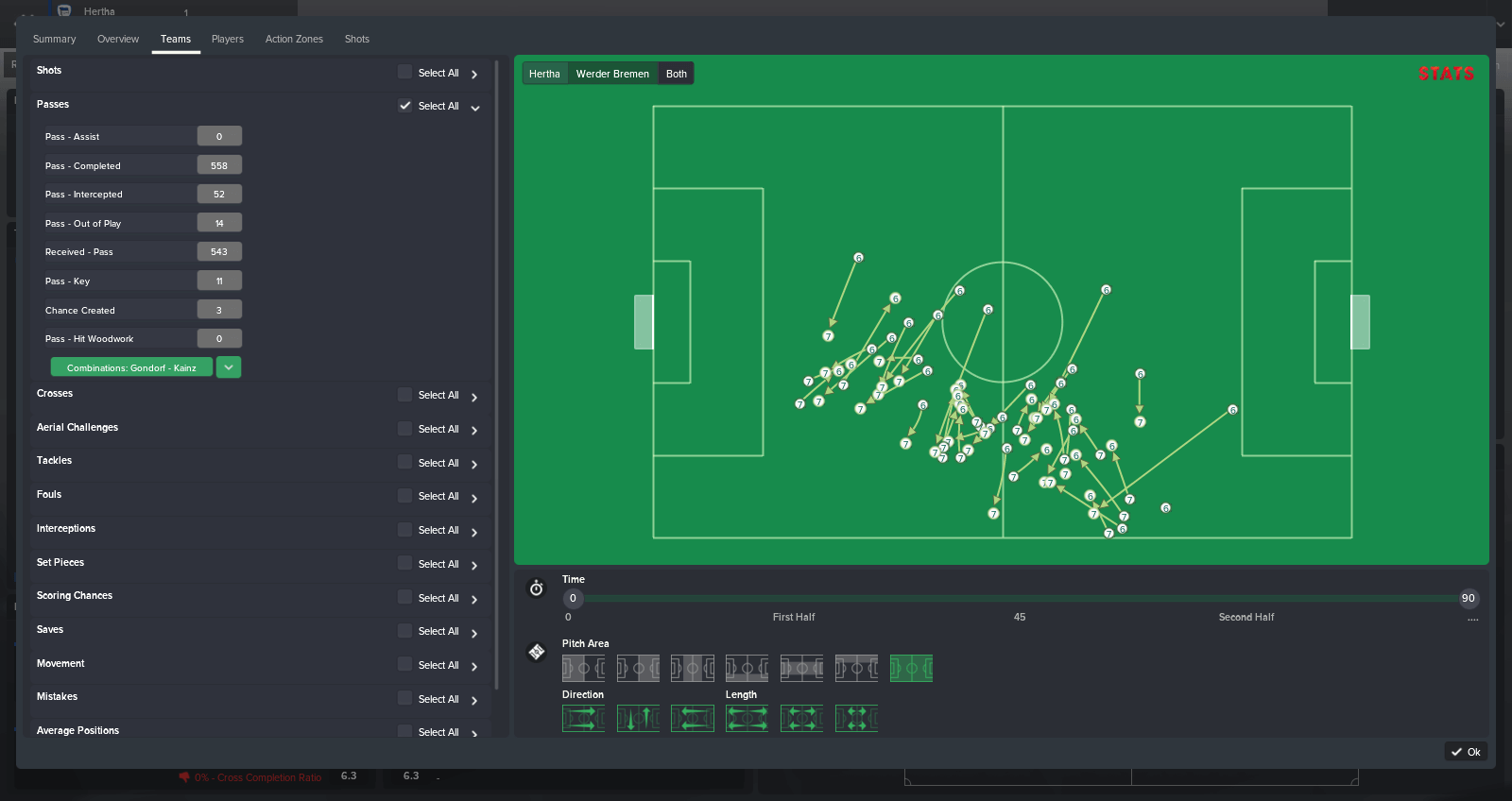
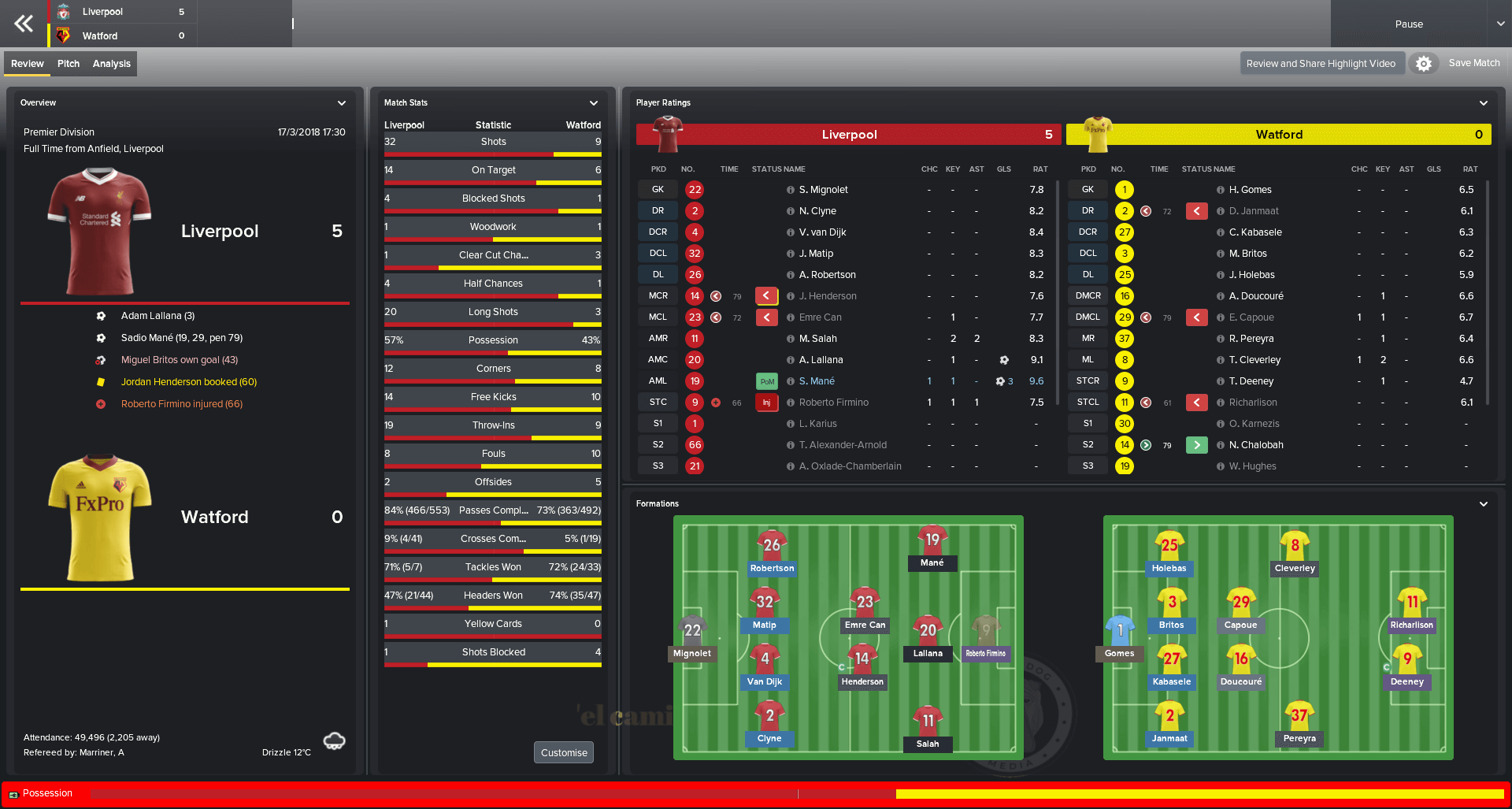
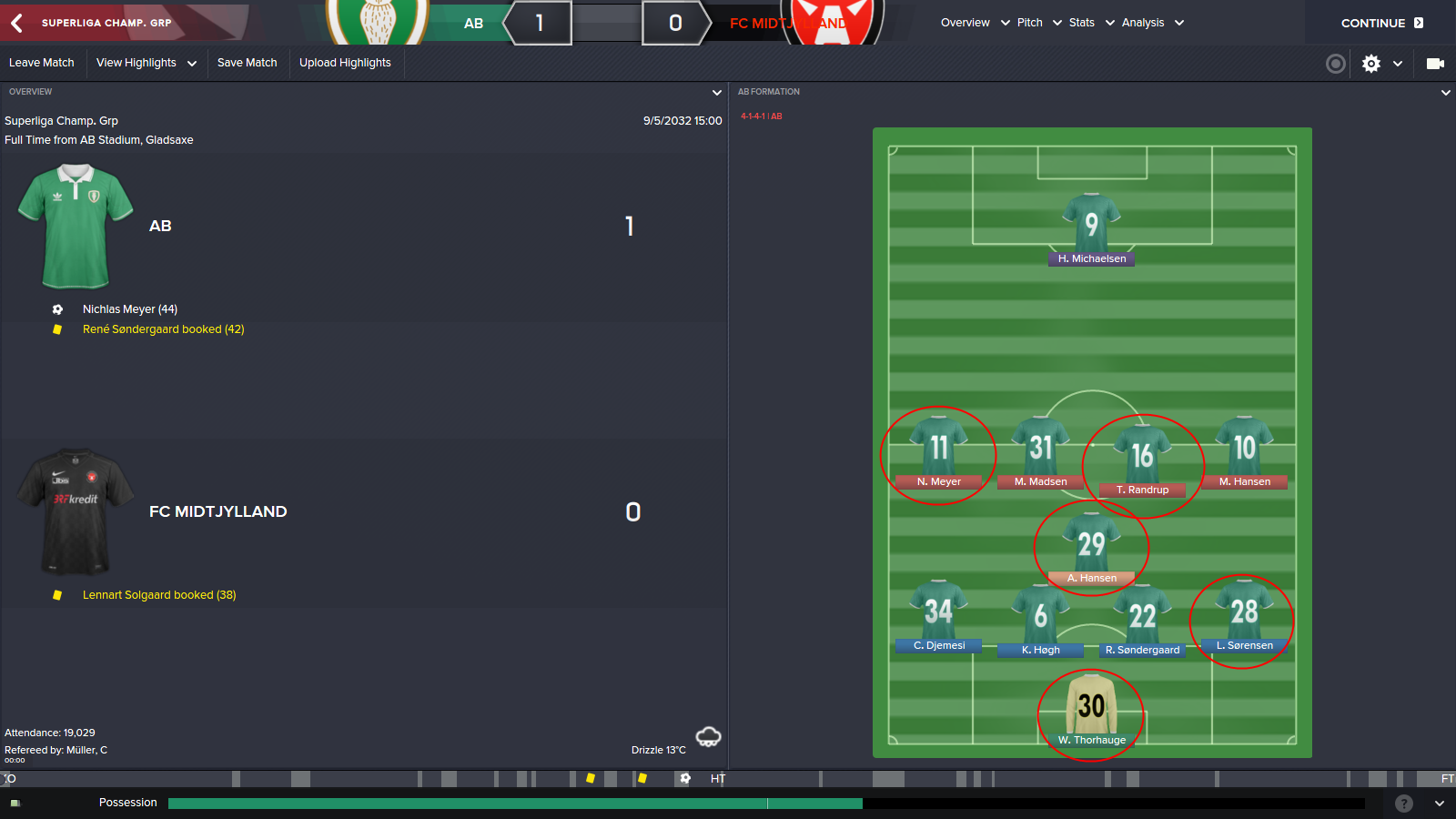
Match Screen Mods
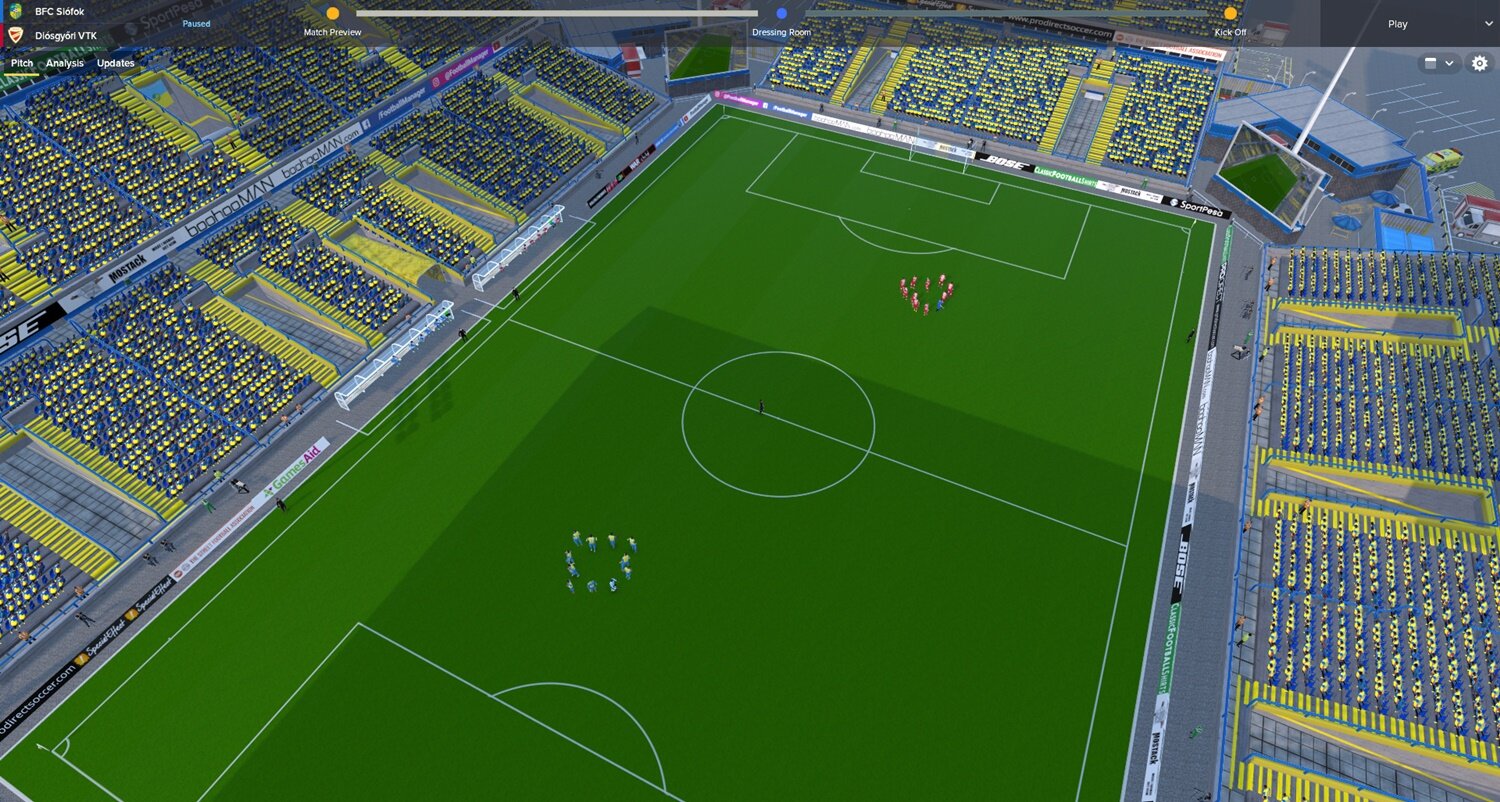
You can adjust the width of the containers in the game which allows you to more easily customise. You can edit it like you want, just drag the line and move it up/down/left/right.
You can find more info HERE.
Add Manager Picture
Do you want your own manager picture? You can thank to Michael Murray's mode but be aware of ...
You cannot assign a picture to an existing manager, if you want an existing manager to have a picture you would need to retire that manager and create a new one to take over but you won't be able to keep any of your in-game progress.
It isn't possible to change the image after the profile has been created to make sure you are happy with the image before you get too far into your game. Whilst you can now edit your manager in a game this feature doesn't allow you to change the profile picture nor will edit the face here override the set picture.
Caps Font removed & Added a logo to the background
If you want back the Caps Font just go to the „C:\Users\Documents\Sports Interactive\Football Manager 2019\skins\Rensie FM19 Dark skin\fonts“, open file called „title“ and insert this <string id=”capitalisation” value=”upper case” /> between the paragraphs.
If you want to get rid of the background logo in the middle, go to the skin folder/panels/client_object – open the file “client_object_browser.xml” and delete this section and save file…
<!– Logo –>
<widget class=”picture” id=”mnpV” image_alignment=”centre” scale_picture=”false” transparency=”0.6″>
<record id=”object_property”>
<integer id=”get_property” value=”mnpc” />
</record>
</widget>
Same as with other changes just reload the skin.
Background picture
If you would like to use your own background picture instead of the default one just go to select your own picture and paste it to this folder “C:\Users\Documents\Sports Interactive\Football Manager 2019\skins\Rensie FM19 Dark Skin\graphics\backgrounds” and name your own picture default.
Then just go back to game, clear cache in preferences and reload skin.
You can also use all available background packs.
UPDATE v1.3
Coach & Scout summary in the player profile screen edited thanks to @FMPressure after a Public Beta version release.
Credits
Original panels before edit - Pikawa
Default faces
Wannachup - Instant result button
Ramoscu - Dark Inbox-Calendar-Scouting boxes
Michael Murray - Match In Between Highlights + Halftime/Match Review Screen Mods. Add Manager Picture and all other useful tips and advice.
How to install:
If you’re in the game just quit eliminating crashes or issue with the game.
Download the .rar archive and unzip it.
Move the extracted folder “Rensie FM19 Dark Skin” to your skins folder:Documents/Sports Interactive/Football Manager 2019/skins
Run Football Manager 2019 and go to Preferences > Interface.
Choose “Rensie FM19 Dark Skin” (or different version and hit the confirm button.
Resolution:
This skin is mainly for 1920×1080 resolution but if you have a smaller resolution and you want to use this skin I recommend you to change it to “85% Zoom” in the Preferences.
I used it like this many previous years when I had a laptop with a small resolution. There is also "50% Zoom" option in FM19.
* Please note this skin is provided as is. It has nothing to do with Sports Interactive or SEGA and won't be supported by them.